

CANVAS
- 2021.06.24
- [Report] “Let’s Make a Controller”
From
a CANVAS Facebook post*******************************************
#Kids Researcher's Log
On Sunday, June 13, we held the #Programming workshop "Let's Make a Controller"!
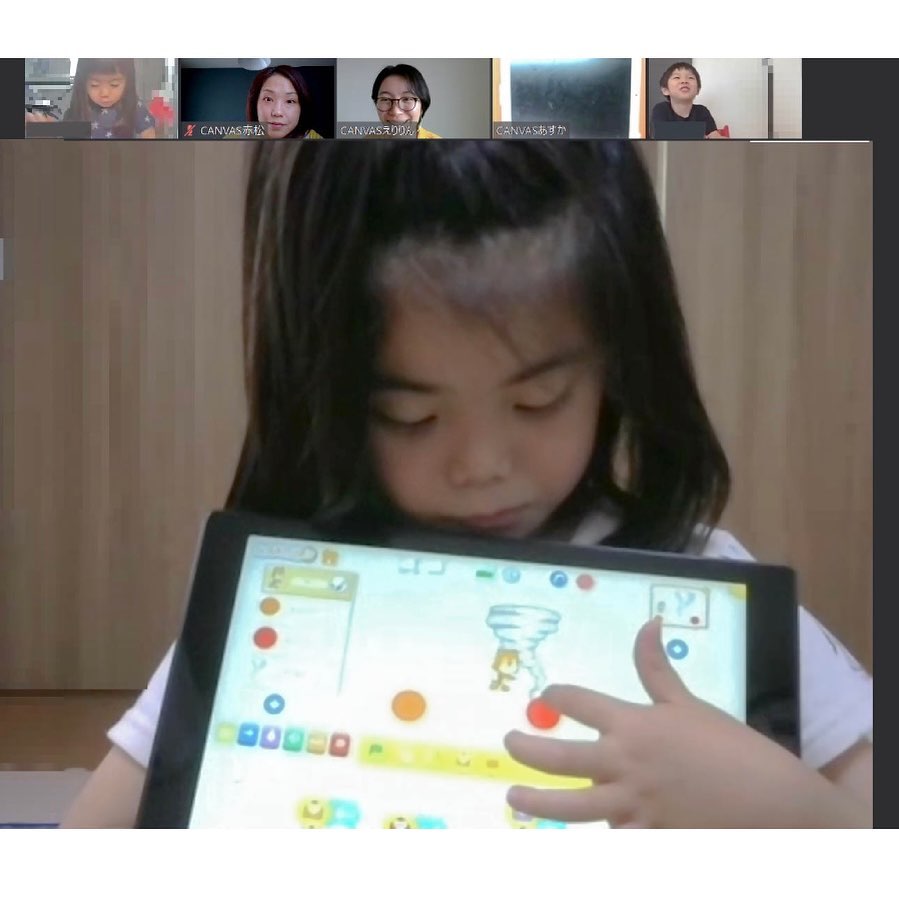
[Our Secret Hideout: Preschool Class]
#Online #Workshophttps://www.canvas.ws/kenkyujo/report/20210613y.php
Let's try moving the character using a controller we programmed.
I wonder what kind of world lies ahead from there?
You can try your hand at making a game, or you can create an animation. Feel free to get creative!
What exactly is a controller?
Since this is a preschool class, we start by carefully teaching the children to distinguish between right and left. Today is the final session of our three-month series! Actually, each session started with a different programming method. The first session used a green flag. The next one started when the screen was touched. And this time, we used a program that incorporates the “Message” function. Even for elementary school students, this “Message” function can be quite difficult to understand when they’re programming in Scratch.
But this time, in ScratchJr, the kids in the preschool class had no trouble using the messaging feature and each created their own controller through programming!
There was a game where you use the controller to move a frog, and if it hops and hits a certain door, it ends up in space; another where you use the controller to escape a tornado; and yet another where you use the controller to move around inside a cute room. You could see everyone’s unique creativity in their projects.
We also received this message from a parent: “Both the children and the adults were learning Scratch Jr. for the first time. The instruction for the children was very thorough, and everyone enjoyed programming. Thank you very much.”
Let's meet again somewhere! Thank you so much for the past three months!
Profile
-


Digital Picture Book Author Professor, Keio University; Ph.D. (Policy and Media)
Director, B Lab
Chairperson, Learning of Tomorrow (General Incorporated Association)
Chairperson, CANVASAfter graduating from the Faculty of Engineering at the University of Tokyo, he served as a visiting researcher at the MIT Media Lab before founding the NPO CANVAS and the Learning of Tomorrow Association, a General Incorporated Association, and assuming the role of representative. He serves as an outside director for Matsuya Co., Ltd., Fuji Media Holdings, Inc., and Digital Garage, Inc.
He has served on various government committees, including the Information and Communications Council of the Ministry of Internal Affairs and Communications, as well as the NHK Central Broadcasting Program Council. He also serves as a director of the Digital Signage Consortium, among other roles. He holds a Ph.D. in Policy and Media.
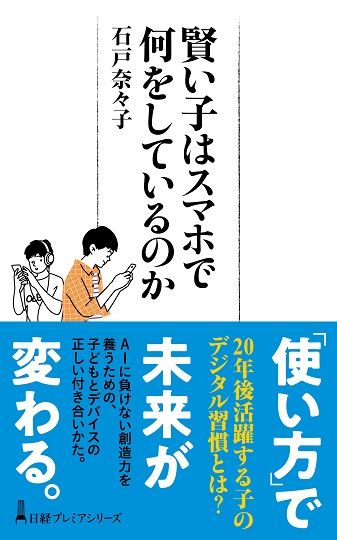
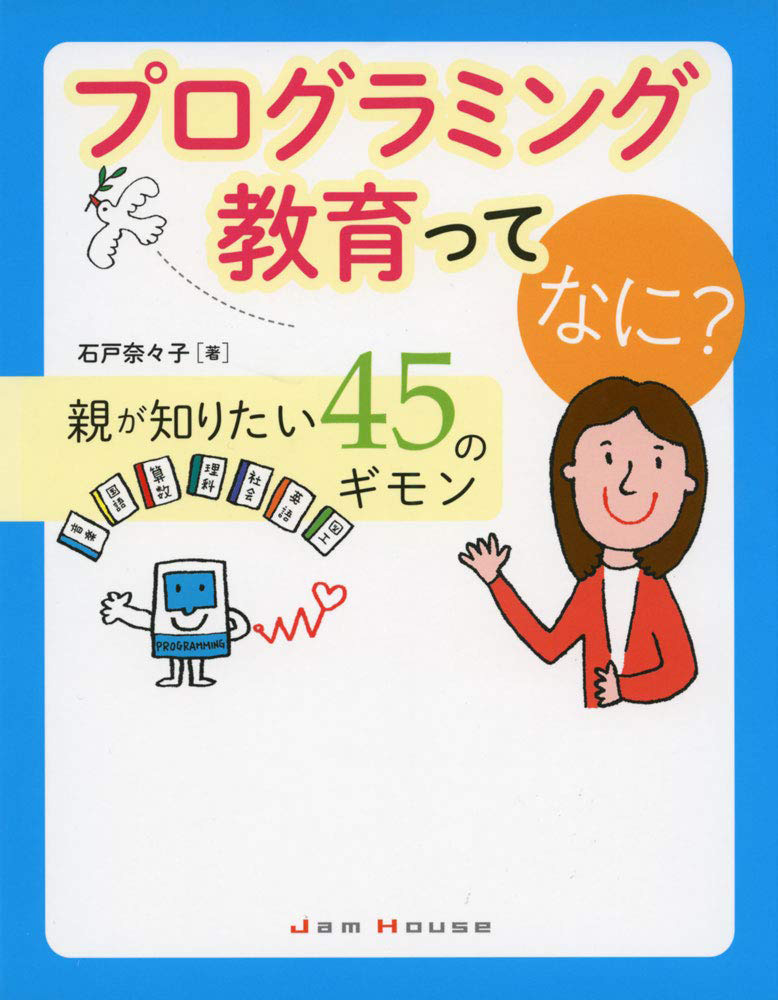
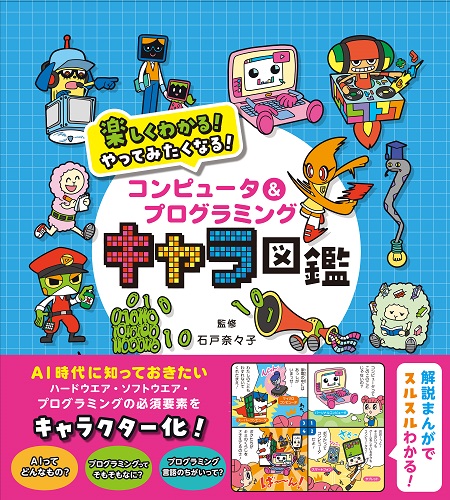
His publications include *Turning On Children’s Creativity!*, *What Are Smart Kids Doing on Their Smartphones?*, *The Forefront of Online Education in Japan: Considering Learning in the Post-COVID Era*,“What Is Programming Education? 45 Questions Parents Want to Know,” and “Declaration on Digital Education.” He has also provided supervision for numerous works, including “Ah, I See! Programming Education for Parents and Children Through Manga.”



























4052047885.jpg )













1.jpg)