

Programming Education
- 2015.09.11
- Let’s Start Building Robots with the Raspberry Pi!
Reprinted from the PEG page, a programming education project promoted by CANVAS.
*********************************************
[Let's Start Building Robots with Raspberry Pi!]
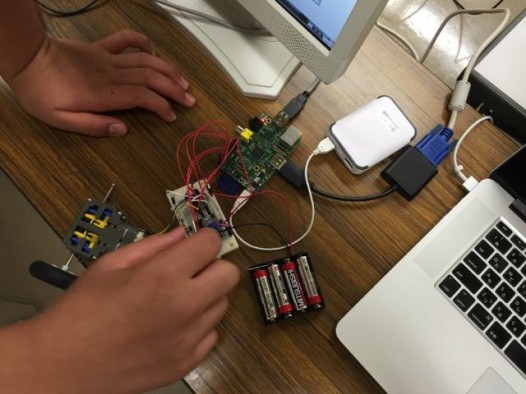
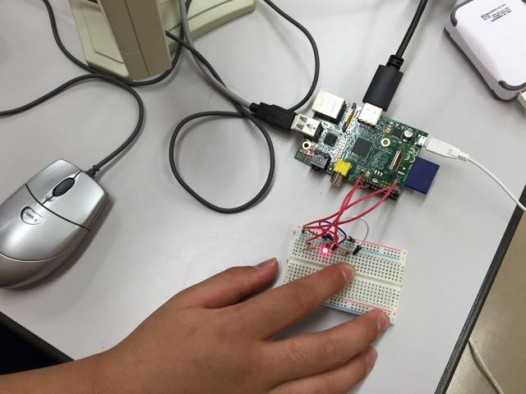
The Shibata Science and Technology Education Network, a PEG partner, has launched a robotics workshop using Raspberry Pi!
I received a report and some photos from Mr. Minagawa.
From the reflections of the two students trying their hand at Python, it’s clear they’re struggling with the direction of the “+” and “-” signs, as well as spelling mistakes in their code…
With classes held twice a week, I wonder what kind of robots the students will have built by December? I’m looking forward to future reports!!
*************************“Designing and Building ‘Robots That Help People’ Using Raspberry Pi”
(1) Activity Details
: Design and build robots that help people using Raspberry Pi
(2) Participants
: ○ Participants in the Expert Course (20 participants)
Control programs were created
using Scratch. ○ Participants in the Rescue Robot Research Course (2 participants)
Control programs were created using Python.
(3) Program period
: August through December
; Expert Course: Every Saturday afternoon (12:45–15:30)
; Rescue Robot Research Course: Every Tuesday and Thursday after school (16:45–20:30)
(4) Activity Schedule
○Expert Course
Aug. 22: Write down the basic concept for “Robots That Help People” in your notebook; make
an LED blink using Scratch. Aug. 29: Control
a DC motor using Scratch. (“Exciting Programming with Raspberry Pi,” p. 139)
○Rescue Robot Research Course
Textbook: “Electronics Projects with Raspberry Pi”
by Takashi Kanemaru August 20 Chapter 3 (Lighting an LED with Raspberry Pi)
August 21 Chapter 4 (Making an LED Flash with a Python Program)
August 27: Chapter 5 (Making an LED Flash Using a Tact Switch)
September 1: Chapter 8 (Controlling a DC Motor with Python)
*************************

Profile
-


Digital Picture Book Author Professor, Keio University; Ph.D. (Policy and Media)
Director, B Lab
Chairperson, Learning of Tomorrow (General Incorporated Association)
Chairperson, CANVASAfter graduating from the Faculty of Engineering at the University of Tokyo, he served as a visiting researcher at the MIT Media Lab before founding the NPO CANVAS and the Learning of Tomorrow Association, a General Incorporated Association, and assuming the role of representative. He serves as an outside director for Matsuya Co., Ltd., Fuji Media Holdings, Inc., and Digital Garage, Inc.
He has served on various government committees, including the Information and Communications Council of the Ministry of Internal Affairs and Communications, as well as the NHK Central Broadcasting Program Council. He also serves as a director of the Digital Signage Consortium, among other roles. He holds a Ph.D. in Policy and Media.
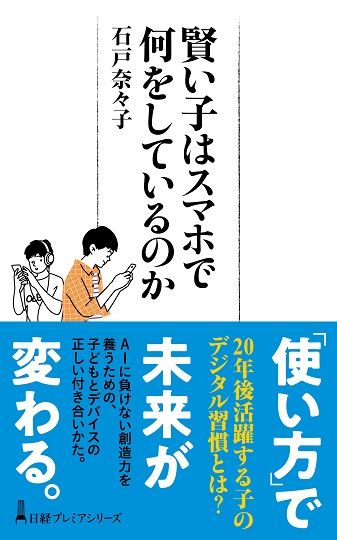
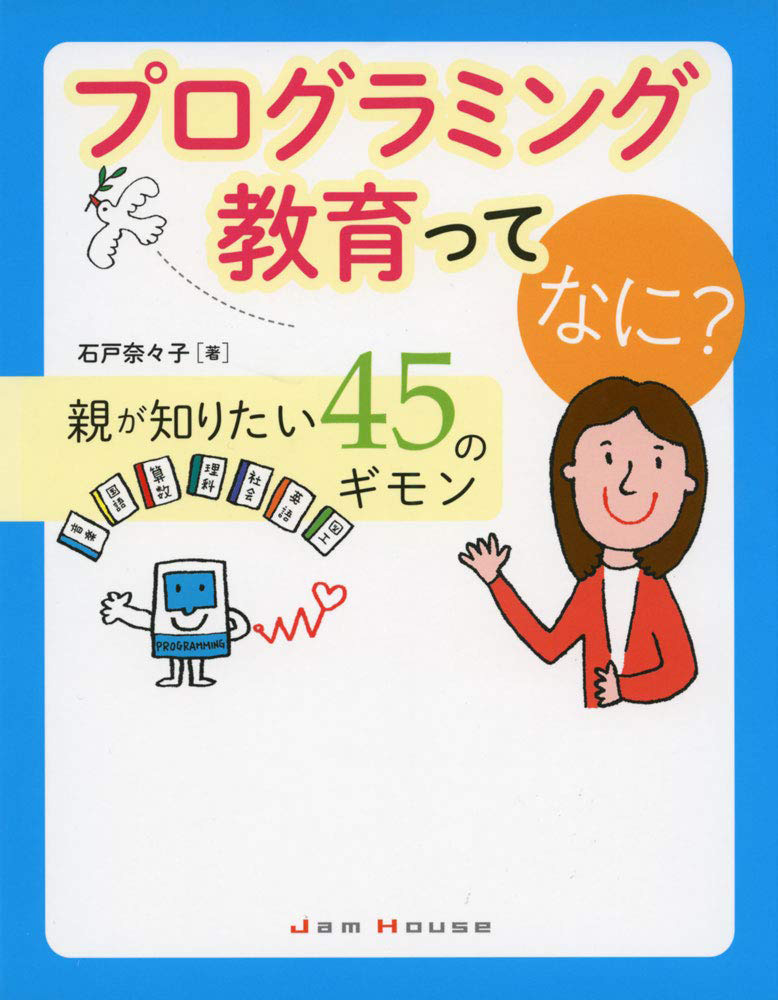
His publications include *Turning On Children’s Creativity!*, *What Are Smart Kids Doing on Their Smartphones?*, *The Forefront of Online Education in Japan: Considering Learning in the Post-COVID Era*,“What Is Programming Education? 45 Questions Parents Want to Know,” and “Declaration on Digital Education.” He has also provided supervision for numerous works, including “Ah, I See! Programming Education for Parents and Children Through Manga.”


























4052047885.jpg )

















1.jpg)