[Report] 3rd Raspberry Pi Workshop @ Seibi Education and Culture Hall
Reprinted from the PEG page, a programming education project promoted by CANVAS.
*********************************************
Today, we held the third Raspberry Pi workshop with the members of the Toshima Training Group at the Seibi Education and Culture Hall.
In this final workshop of the three-part series, we finally took on the challenge of electronics projects using GPIO! The students can
now set up their equipment and boot up their Raspberry Pi on their own without needing any instructions. They arrived at the venue 30 minutes before the
start and were already continuing to play Minecraft and work on Scratch projects.
Once everyone was gathered, we created a program where a cat spins when the “Space” key is pressed, including a review of what we learned last time. We made some mistakes—like forgetting to add the
“Forever” block, or having several different types of “If…” blocks that didn’t work together properly—but we fixed them by comparing our programs with our friends’.
Making mistakes really helps you understand what the blocks mean, doesn’t it?
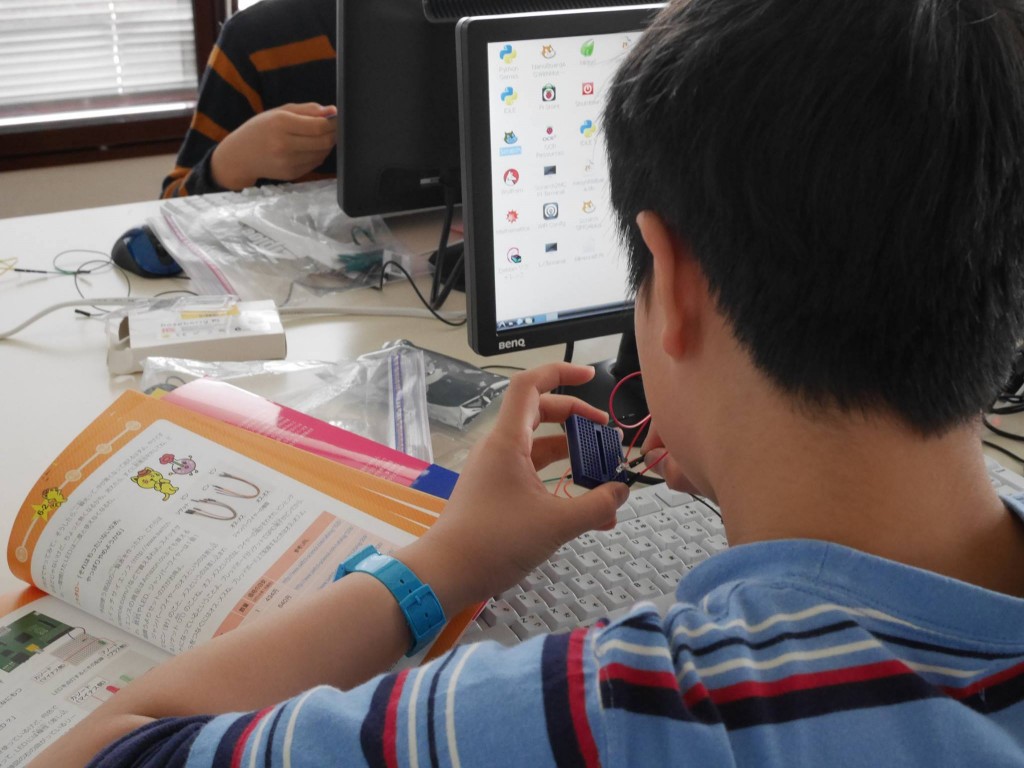
Next up: getting ready to light up the LED! We mounted the LED and resistor on the breadboard, carefully checking the LED’s orientation while referring to the book.
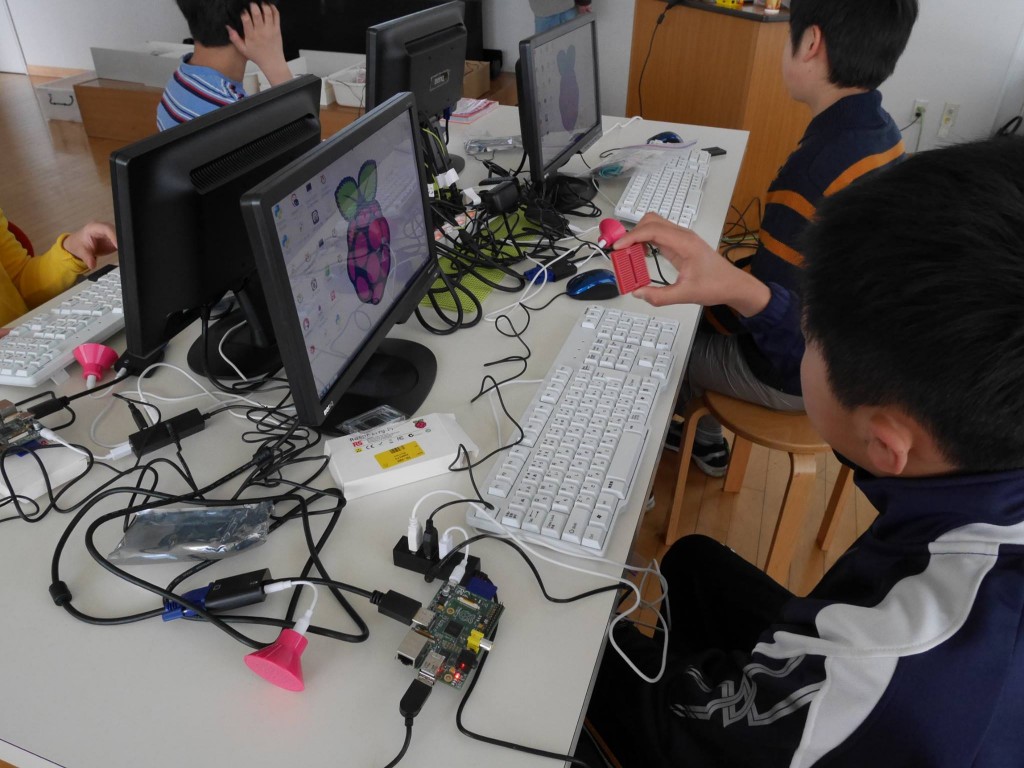
After shutting down the Raspberry Pi once, we connected the GPIO pins to the breadboard using jumper wires.
When we booted up the Raspberry Pi again, cheers of “It lit up!” rang out!
Since Professor Abe had warned us that a mistake could cause the LED to short out, everyone connected the wires very carefully.
After that, we practiced adjusting the LED’s brightness and created a program that changes the brightness when Scratch characters get close to each other.
Finally, we made a cardboard switch and created a controller that worked in conjunction with LEDs and a Scratch game. When it all worked together, the kids let out excited cries of “Wow!” When things go
well, it really makes you want to keep refining the game and the controller’s mechanics!
The three-session workshop, each lasting two hours, flew by in the blink of an eye, but to ensure the children can continue practicing at home, we’ve also explained to the parents how to get started there. We’ve heard that the Narumi Education and Culture Center plans to continue hosting Raspberry Pi workshops next year as well. I wonder what kinds of things the children will be able to do with programming… I’m really looking forward to it!
Professor, Keio University; Ph.D. (Policy and Media)
Director, B Lab
Chairperson, Learning of Tomorrow (General Incorporated Association)
Chairperson, CANVAS
After graduating from the Faculty of Engineering at the University of Tokyo, he served as a visiting researcher at the MIT Media Lab before founding the NPO CANVAS and the Learning of Tomorrow Association, a General Incorporated Association, and assuming the role of representative. He serves as an outside director for Matsuya Co., Ltd., Fuji Media Holdings, Inc., and Digital Garage, Inc.
He has served on various government committees, including the Information and Communications Council of the Ministry of Internal Affairs and Communications, as well as the NHK Central Broadcasting Program Council. He also serves as a director of the Digital Signage Consortium, among other roles. He holds a Ph.D. in Policy and Media.
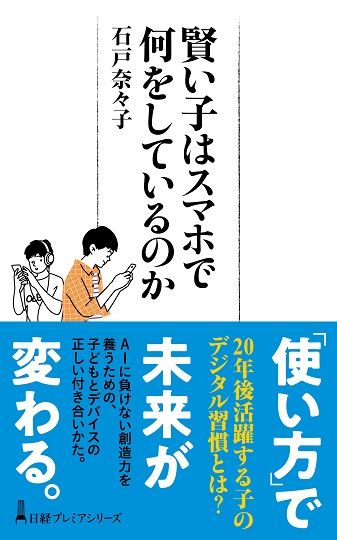
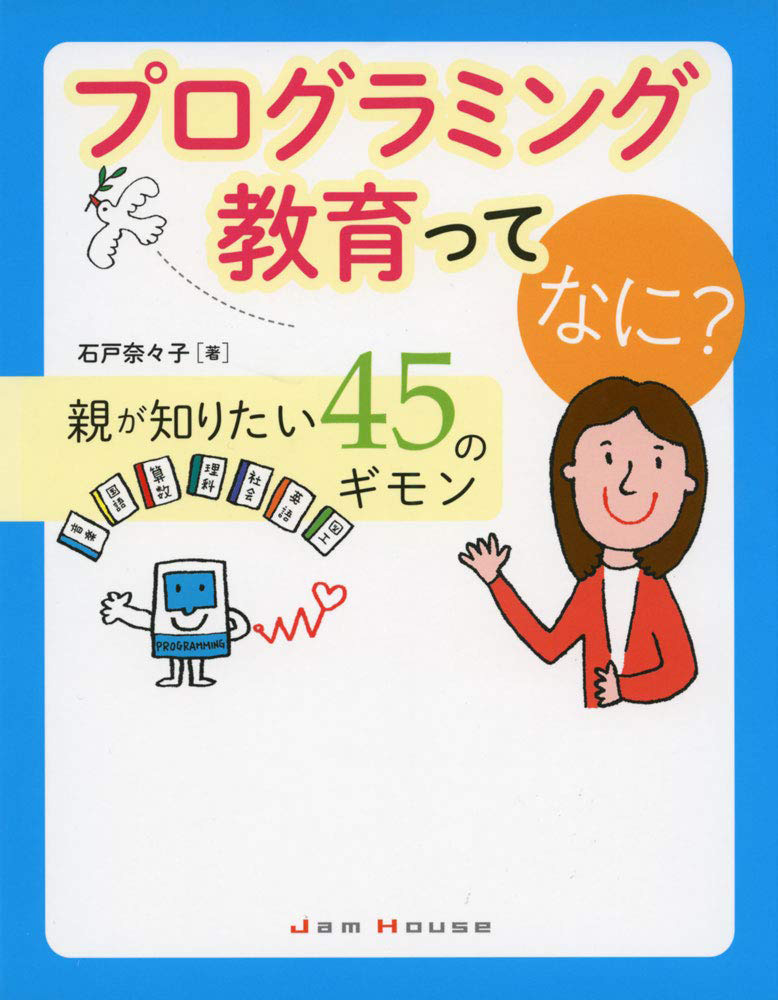
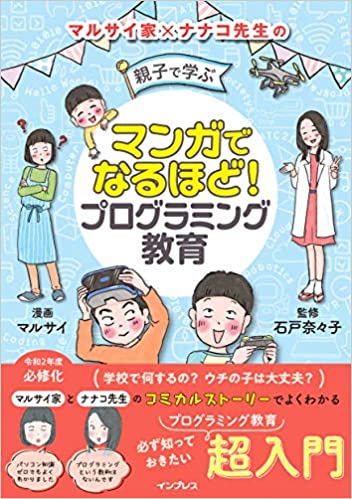
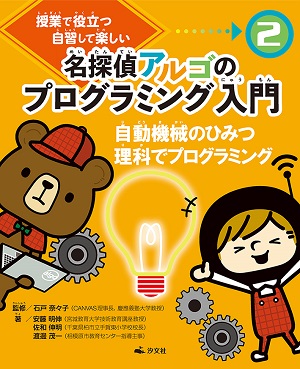
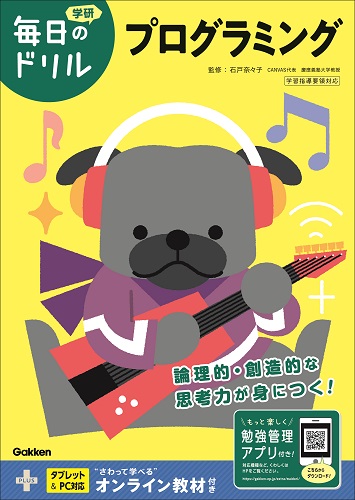
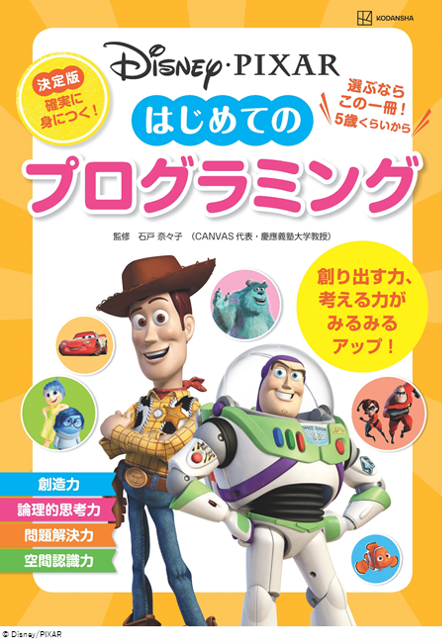
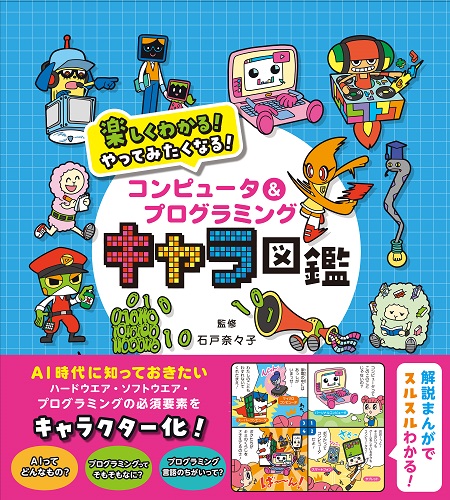
His publications include *Turning On Children’s Creativity!*, *What Are Smart Kids Doing on Their Smartphones?*, *The Forefront of Online Education in Japan: Considering Learning in the Post-COVID Era*,“What Is Programming Education? 45 Questions Parents Want to Know,” and “Declaration on Digital Education.” He has also provided supervision for numerous works, including “Ah, I See! Programming Education for Parents and Children Through Manga.”





 Programming Education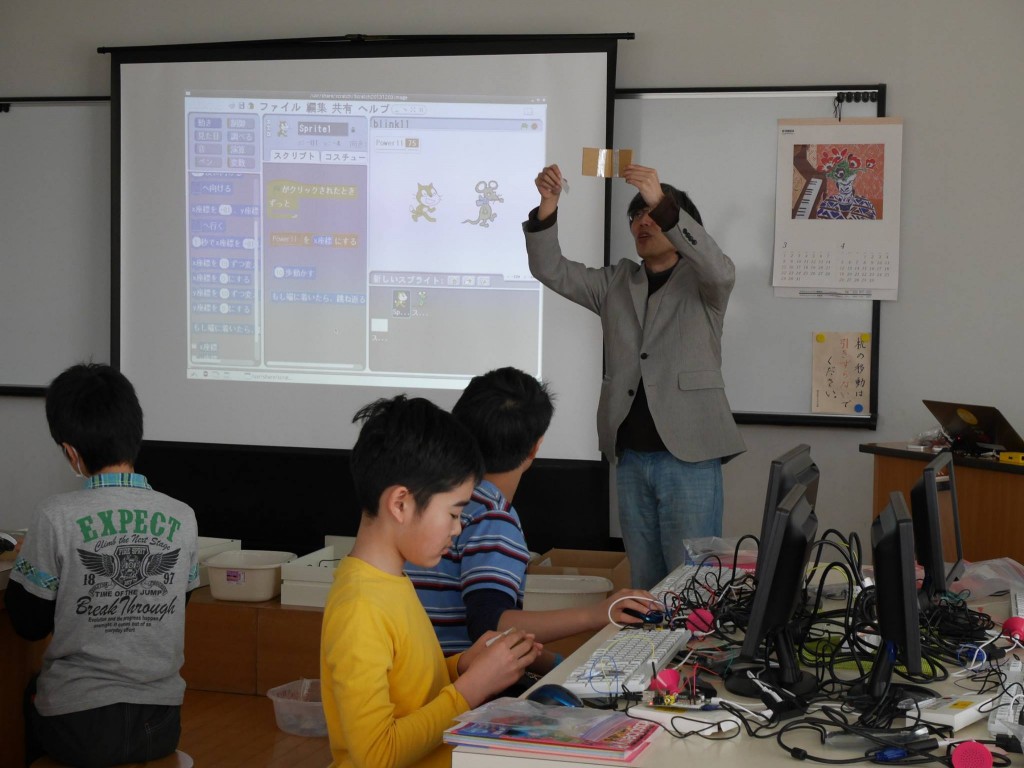











4052047885.jpg )




1.jpg)