

Programming Education
- 2015.03.18
- [Report] Programming Lab in Akasaka
From a CANVAS Facebook post
*******************************************
[Programming Lab in Akasaka]
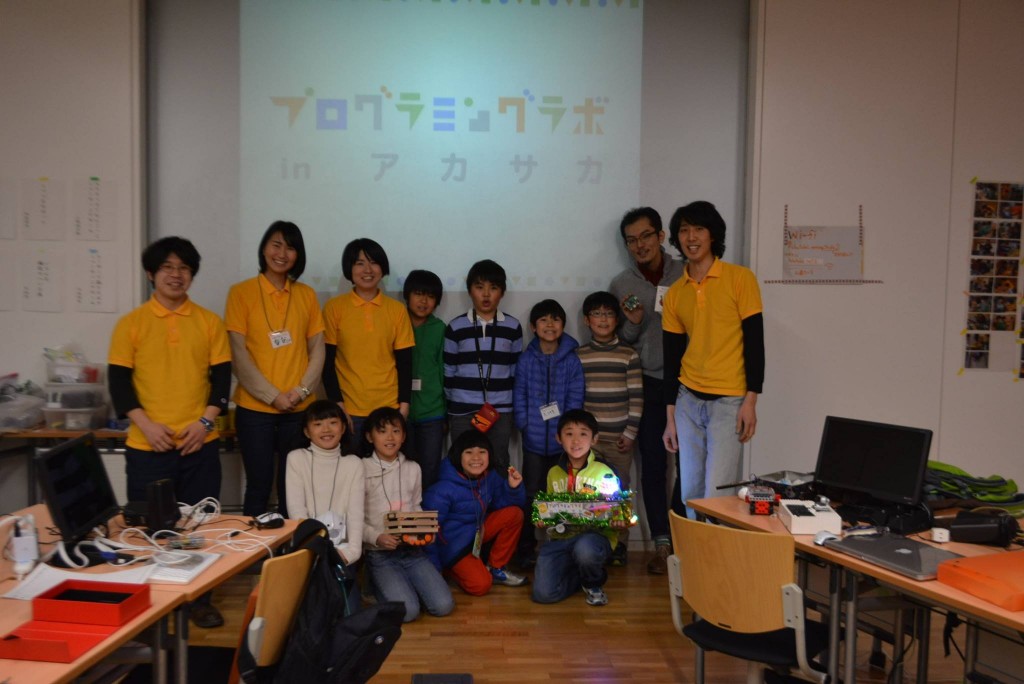
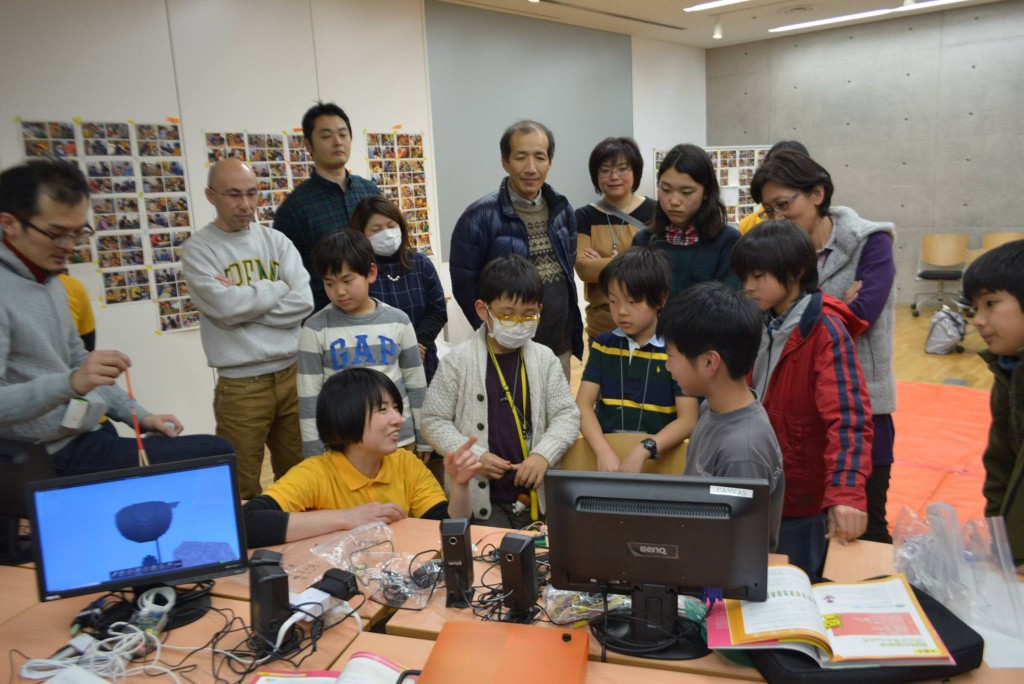
On Saturday, March 14, we held the Programming Lab in Akasaka!
This day marked the culmination of a year’s work. The theme was “Create and Share.” From April, when we first got our hands on the
Raspberry Pi, we’ve been programming consistently—first “creating” and then “sharing” our work with the outside world. It made us realize once again just how important
both of these things are in our daily lives.
Even without adults telling them what to do, the Akasaka Kids are already doing both.
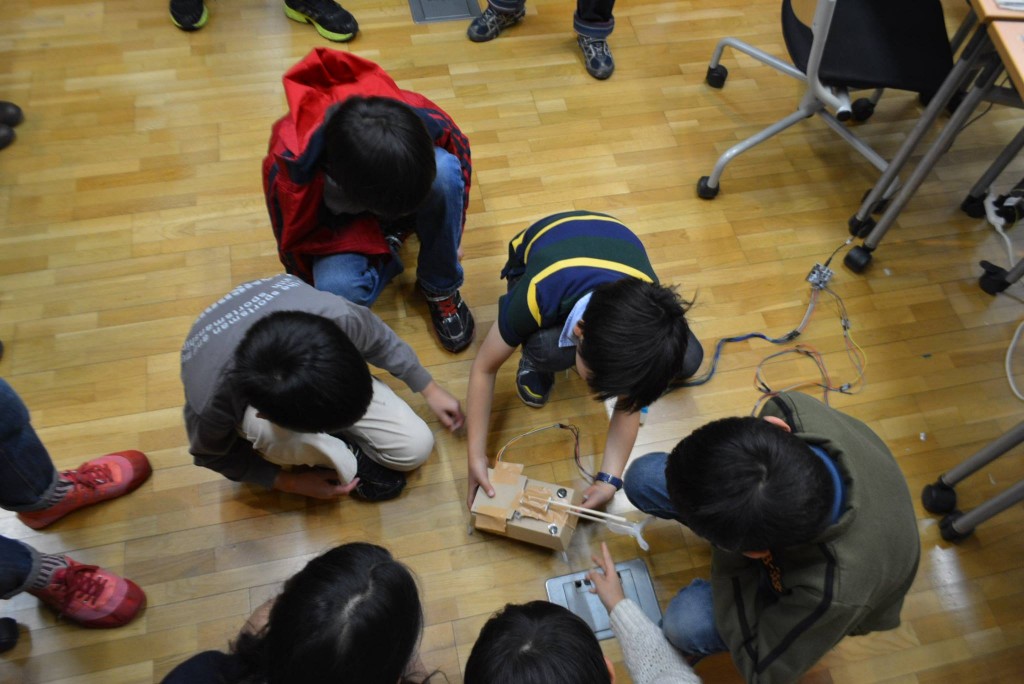
During “making” time, they figure out what they can and can’t do, ask adults questions, and then bring their ideas to life. There are many ways to use
the Raspberry Pi.They use Scratch on the Raspberry Pi, combine Minecraft with Scratch and Python, and use programming to spin motors to build cars or control robots—all while adding hands-on crafting to make their projects more interesting.
During “presentation” time, they share what they’ve accomplished so far, the key points of their projects, and the areas where they put in extra effort, each in their own way.They tried their hand at PowerPoint for the
first time, ran their projects, fixed bugs on the fly, and showed others the inner workings of their programs.
It turned out to be a truly wonderful time where they were able to focus not only on their own projects but also on the work of their friends who had been working hard alongside them.
Akasaka Kids will continue to take on the challenge of giving shape to their feelings and ideas in various settings.
While the Programming Lab in Akasaka has come to a temporary close, we look forward to seeing the children continue to “create and communicate” in the future!
Akasaka Kids' year-long challenge is also summarized in this report.
http://www.canvas.ws/ken…/programminglab/akasaka/report.html
Profile
-


Digital Picture Book Author Professor, Keio University; Ph.D. (Policy and Media)
Director, B Lab
Chairperson, Learning of Tomorrow (General Incorporated Association)
Chairperson, CANVASAfter graduating from the Faculty of Engineering at the University of Tokyo, he served as a visiting researcher at the MIT Media Lab before founding the NPO CANVAS and the Learning of Tomorrow Association, a General Incorporated Association, and assuming the role of representative. He serves as an outside director for Matsuya Co., Ltd., Fuji Media Holdings, Inc., and Digital Garage, Inc.
He has served on various government committees, including the Information and Communications Council of the Ministry of Internal Affairs and Communications, as well as the NHK Central Broadcasting Program Council. He also serves as a director of the Digital Signage Consortium, among other roles. He holds a Ph.D. in Policy and Media.
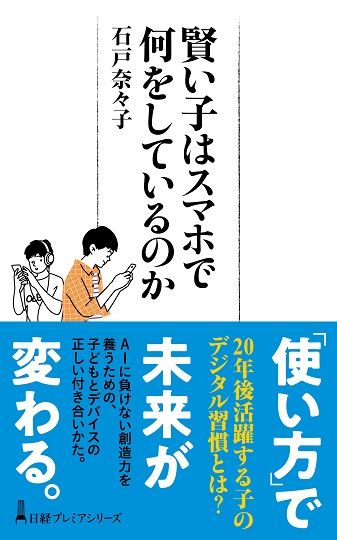
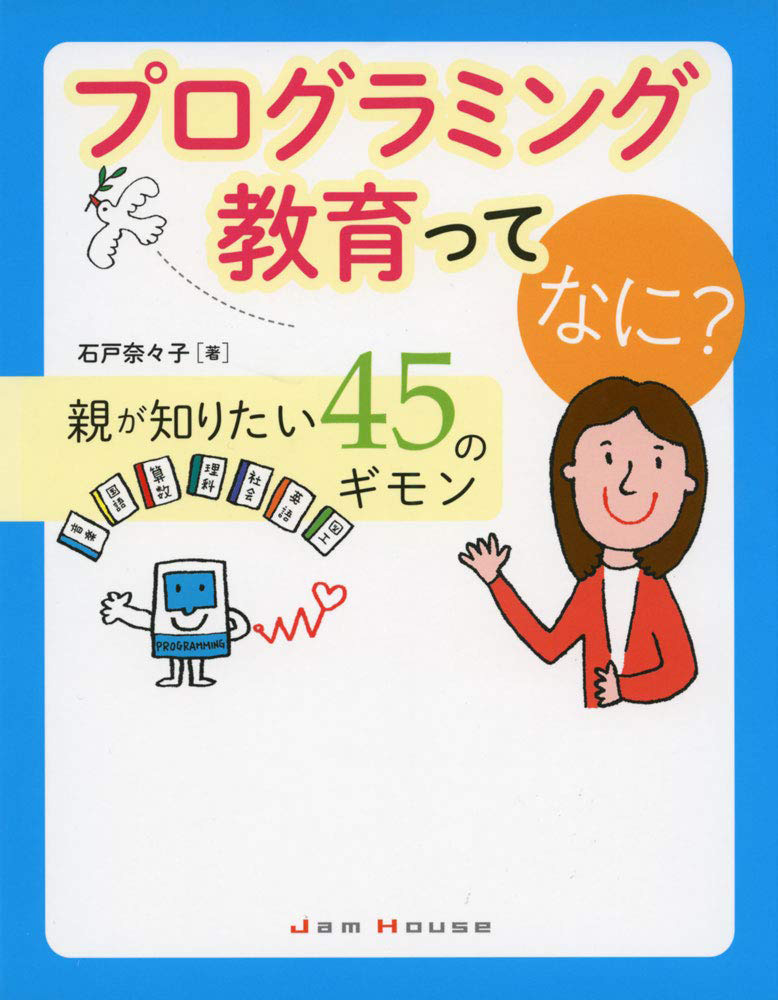
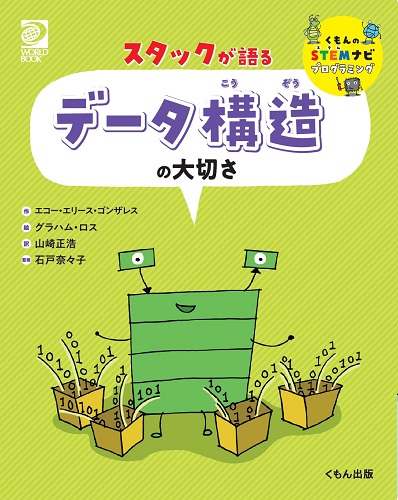
His publications include *Turning On Children’s Creativity!*, *What Are Smart Kids Doing on Their Smartphones?*, *The Forefront of Online Education in Japan: Considering Learning in the Post-COVID Era*,“What Is Programming Education? 45 Questions Parents Want to Know,” and “Declaration on Digital Education.” He has also provided supervision for numerous works, including “Ah, I See! Programming Education for Parents and Children Through Manga.”


























4052047885.jpg )








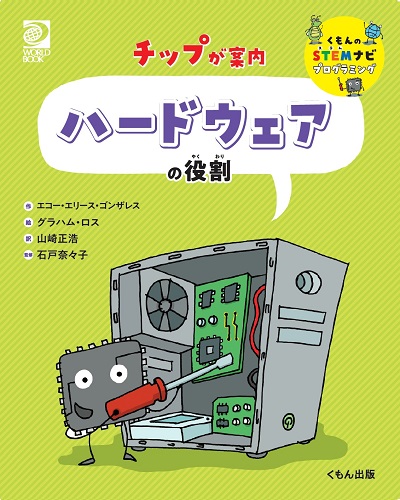
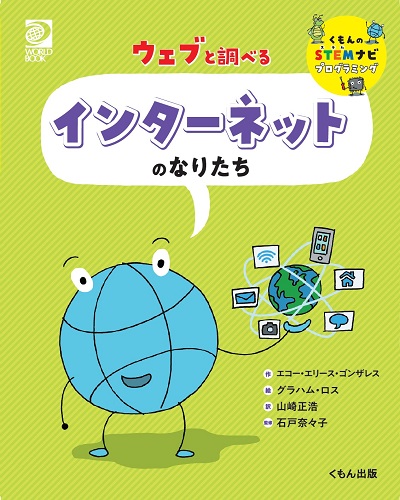






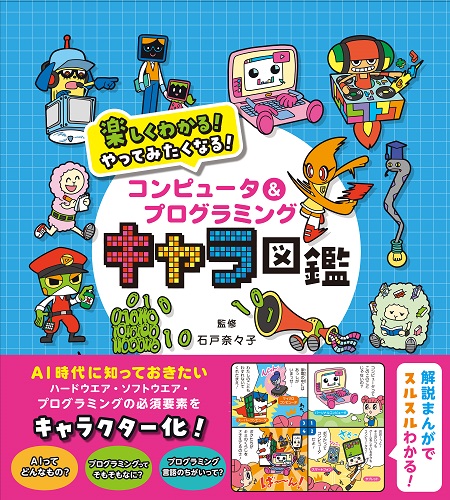

1.jpg)