Award-Winning Entries from the 4th National Elementary and Junior High School Programming Contest (JJPC)
Last weekend, the final judging round for the 4th National Elementary and Junior High School Programming Competition (JJPC) was held concurrently with the U-22 Programming Contest.This year, we received 351 entries—more than last year. The U-22 Programming Contest, which we are promoting in collaboration with JJPC, received 406 entries. This brings the total number of entries for both contests to 757. Once again, thank you very much for all your submissions.
Well then, today we’re reporting on the results of the JJPC. The JJPC Grand Prix winner was Ms. Konagai (2nd grade) for her entry “Reality Series 2: Shibuya Scramble Crossing Traffic Lights.” As the title suggests, this piece recreates the Shibuya Scramble Crossing—the world’s most complex intersection.She reportedly visited Shibuya numerous times over the summer vacation and conducted extensive research before creating this project. By setting traffic conditions, this work can simulate the flow of cars and people at the intersection. Ms. Konagai’s wish is “to create safe intersections and traffic lights without traffic jams.”Whereas previous independent research projects might have ended with just investigation and analysis, today’s kids go so far as to build their own simulators. They identify a problem, observe and analyze it, and propose a solution. What an impressive second-grader.
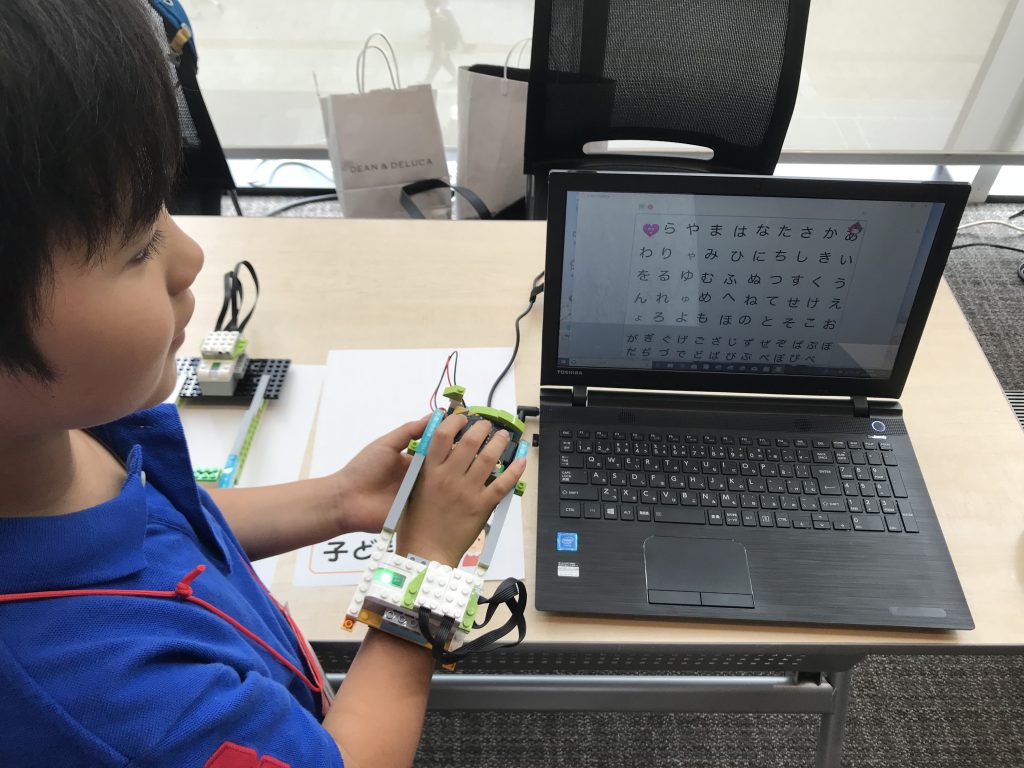
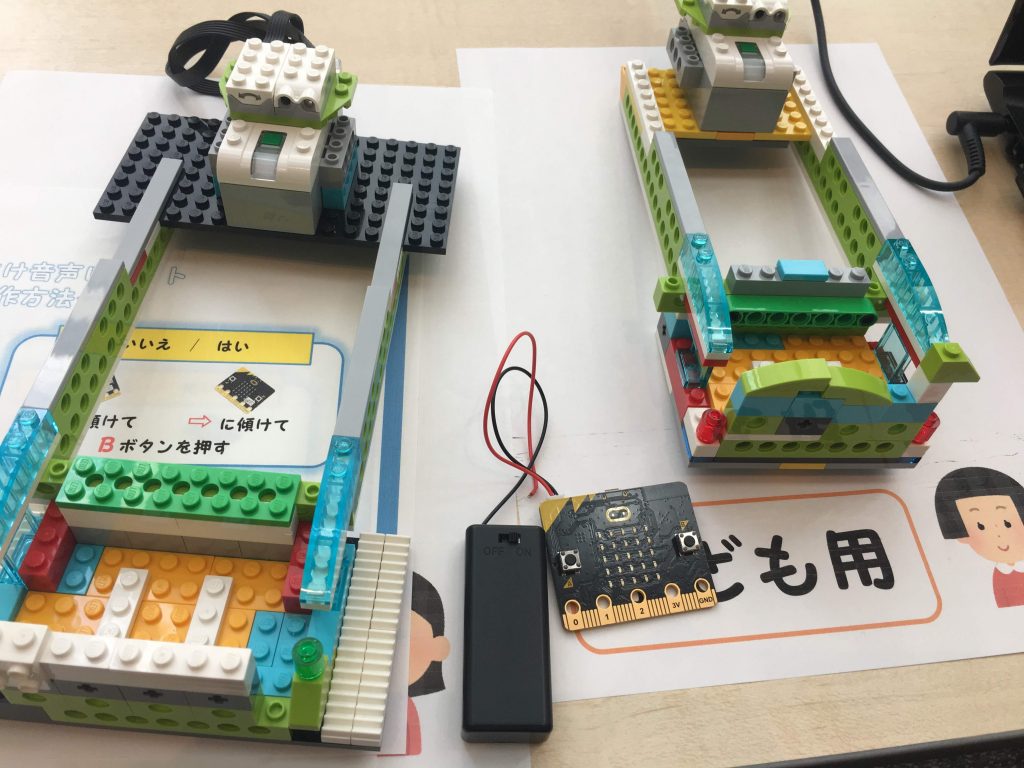
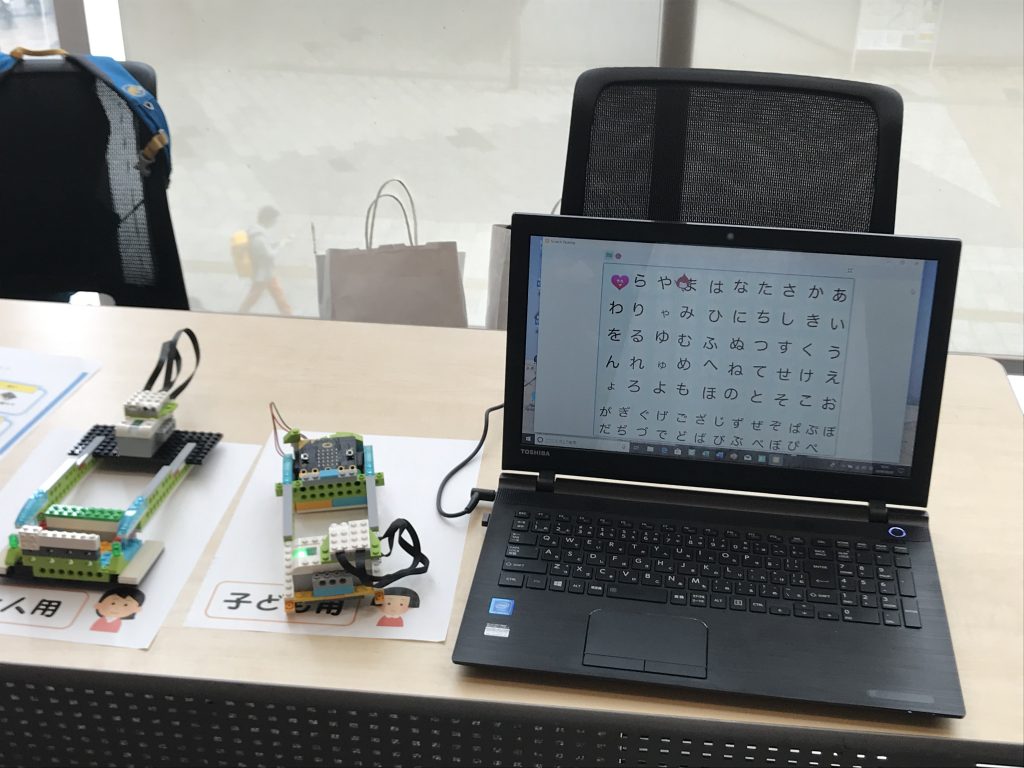
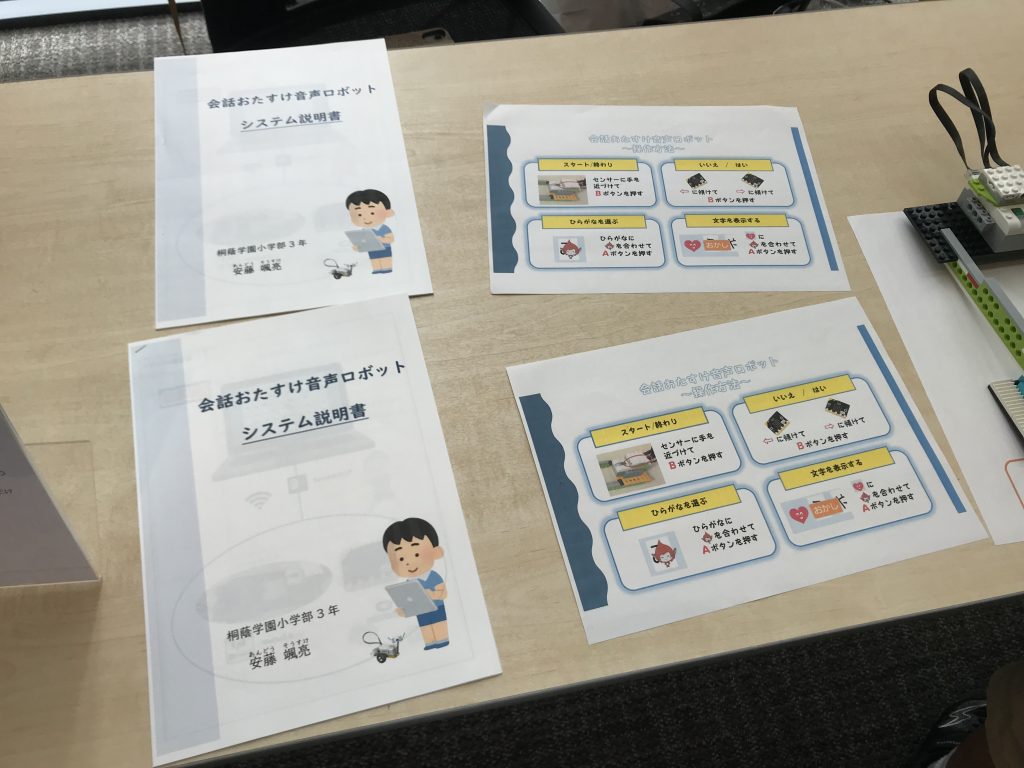
The runner-up prize went to Ando (a third-grader) for his “Conversation-Assist Voice Robot.” This is a conversation-support tool designed to help people who have difficulty speaking or writing due to injury or illness. By slipping on a glove made of LEGO bricks and clicking on the hiragana chart on a computer screen, the device reads the selected characters aloud.Two types of gloves are available: one for children and one for adults. When asked what motivated her to develop the robot, she explained with sparkling eyes, “When I saw Dr. Hawking on TV, I wanted to create a robot that would help people facing similar challenges.”
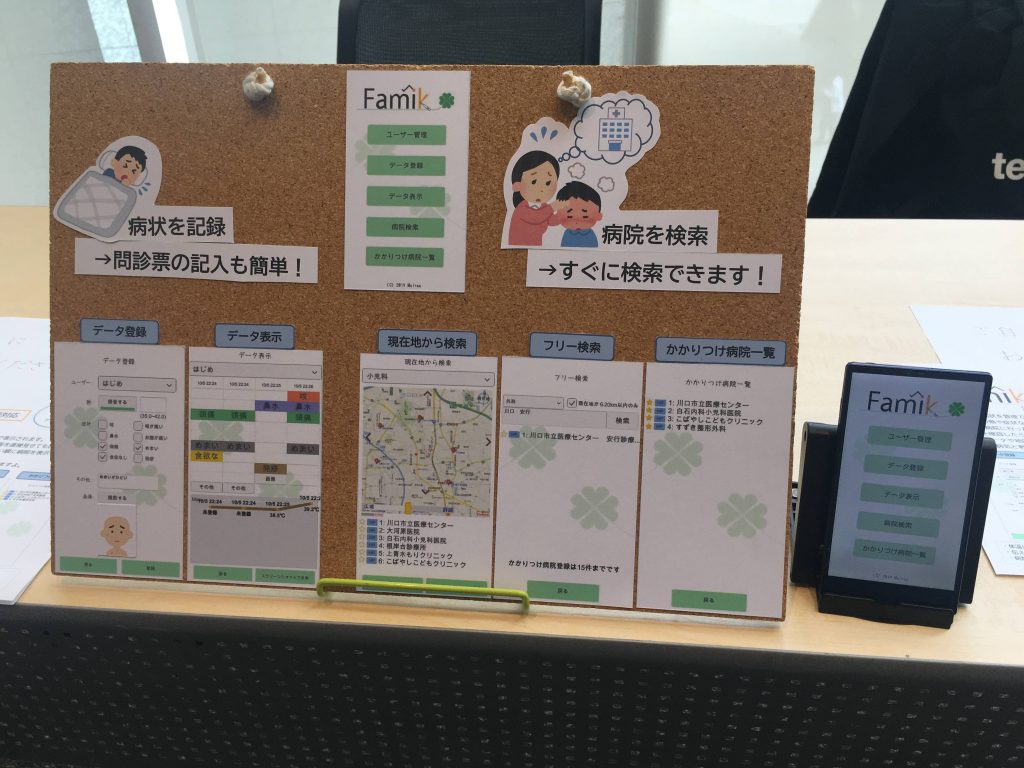
The Excellence Award went to Shibuya (a sixth-grader) for “Famik,” an app that tracks changes in fever and symptoms. “When I went to the hospital, I saw a mother with three children who had fevers, and it looked like she was having a hard time filling out the medical questionnaires for all three of them, so I created this app,” she explained.First, users enter their body temperature and symptoms; the app then displays a graph showing the progression of the fever and a table illustrating changes in the child’s condition.Designed with the user in mind to assist with filling out medical questionnaires at the hospital, the app includes voice input for those feeling unwell due to a high fever, the ability to take photos of symptoms like rashes and save them, and a “Other” section to prevent users from forgetting to mention important details to their doctor. After recording symptoms, users head to the hospital—where the app continues to be helpful.It features a hospital search function: when you select a medical department, hospitals are displayed in order of proximity to your current location. You can zoom in, zoom out, and pan the map to find hospitals directly on the map, and there’s also a feature to register searched hospitals as your “regular hospitals.” It seems you can even share your medical data and map search results via LINE or email!“Data sharing is convenient when the person caring for the patient or taking them to the hospital switches from mom to dad, or when the person dropping off or picking up the child from daycare changes and has to talk to the teacher.” That’s absolutely right. It can be scary when you’re sick, can’t it? For people like you, the app sends gentle, encouraging messages tailored to your condition to lift your spirits.
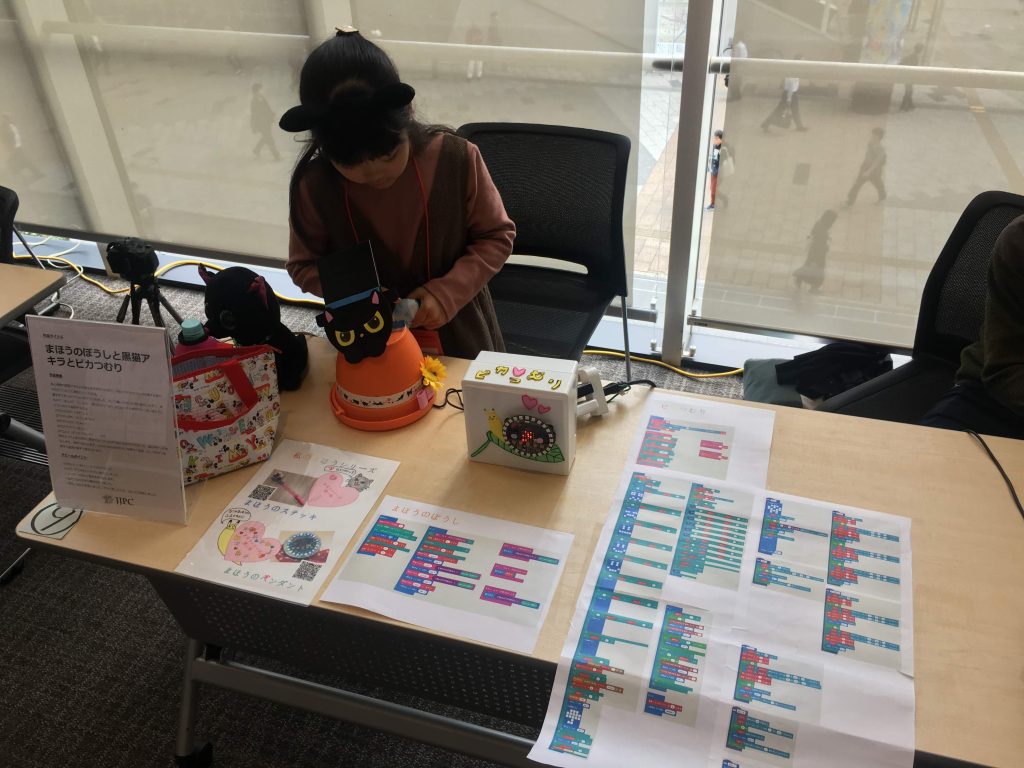
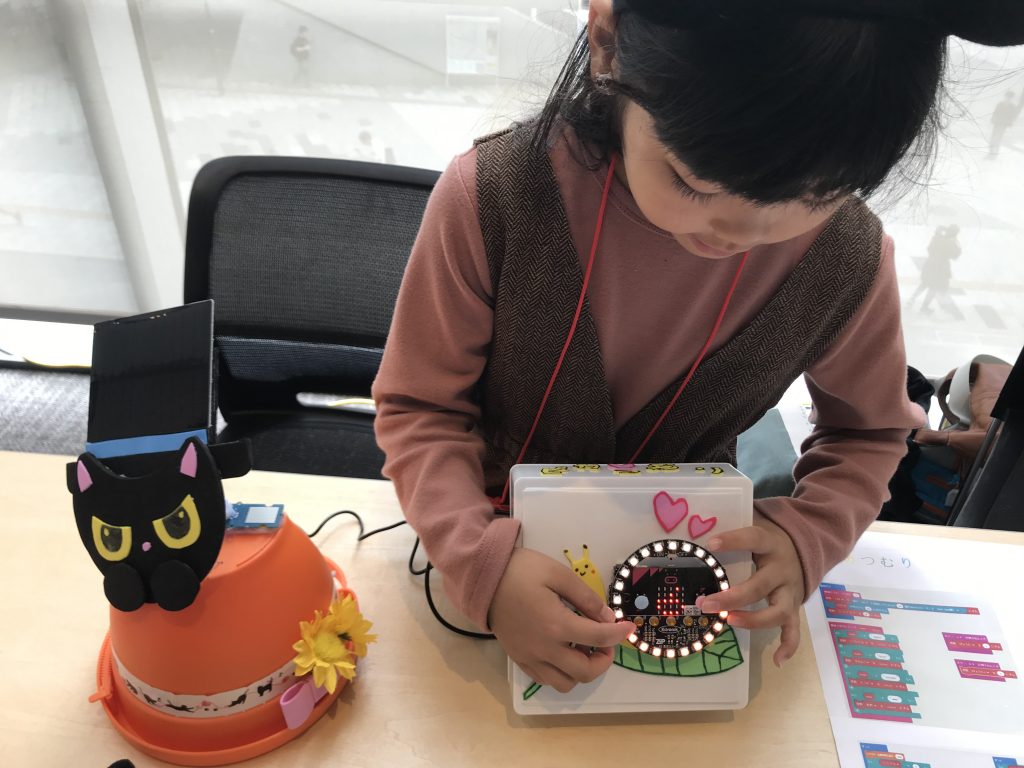
The second Excellence Award-winning entry was “The Magic Hat, Akira the Black Cat, and Pika the Snail” by Ochi (2nd grade). The magic hat—which is the alter ego of Ochi’s partner, Akira the black cat—reports on outdoor conditions to Pika the snail. “There were several days in a row when it was too hot to go outside.So I thought it would be convenient if I could find out the temperature, humidity, and whether it was raining without having to go outside on hot days.” The magic hat detects the temperature, humidity, and weather outdoors. Then, when the hat tells Pikatsumuri about the conditions outside, Pikatsumuri conveys that information using lights and sounds.For example, if it’s between 15°C and 25°C, it says “cool”; if it’s between 25°C and 30°C, it says “a little hot.” It’s like that. If it’s 37°C or higher, it reportedly issues a warning saying “Don’t go outside” along with a skull icon. Ms. Ochi, who has a real flair for style, was particularly focused on making it “cute! and pretty!” Indeed, the hat’s design is very elaborate. And when it rains, it alerts you with the sound of “Ame Ame Fure Fure” and lights that evoke the image of rain. But that’s not all. She made sure the displays were easy even for young children to understand, and the device generates its own power using a solar panel.It’s a creation that’s kind to both people and the environment. I’ll never forget the adorable sight of her tilting her head and muttering, “Huh, that’s strange,” when things didn’t go quite right during the demonstration that day. She also mentioned that while working on the project, “I got burned by the solder, but I persevered and finished it.”
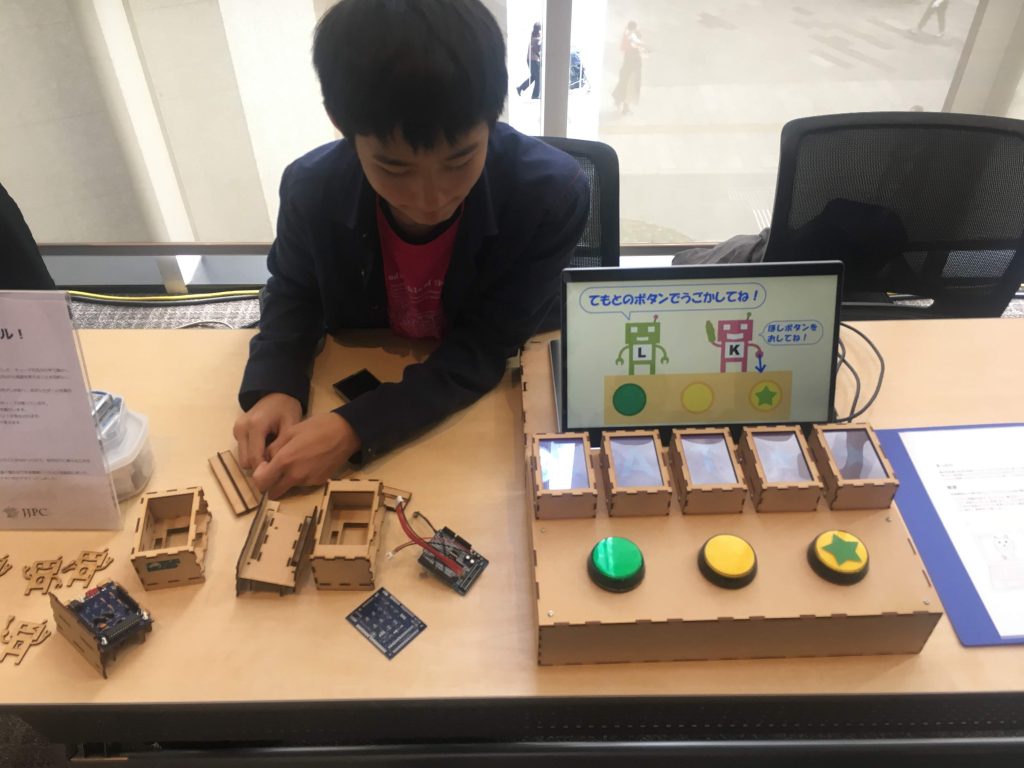
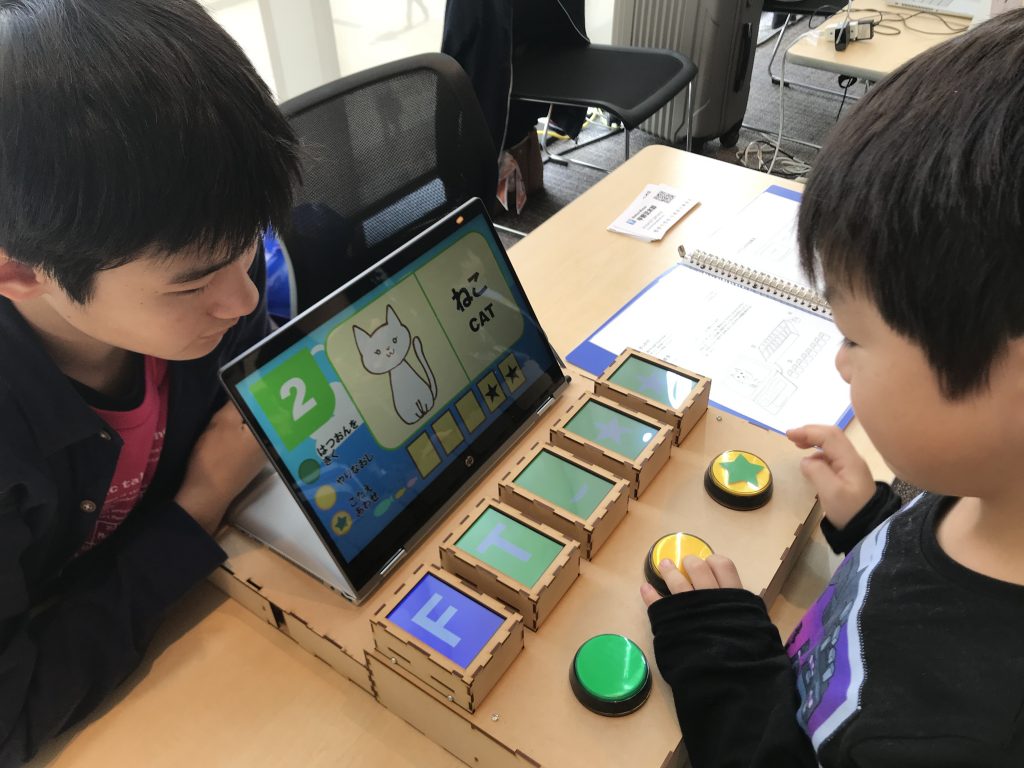
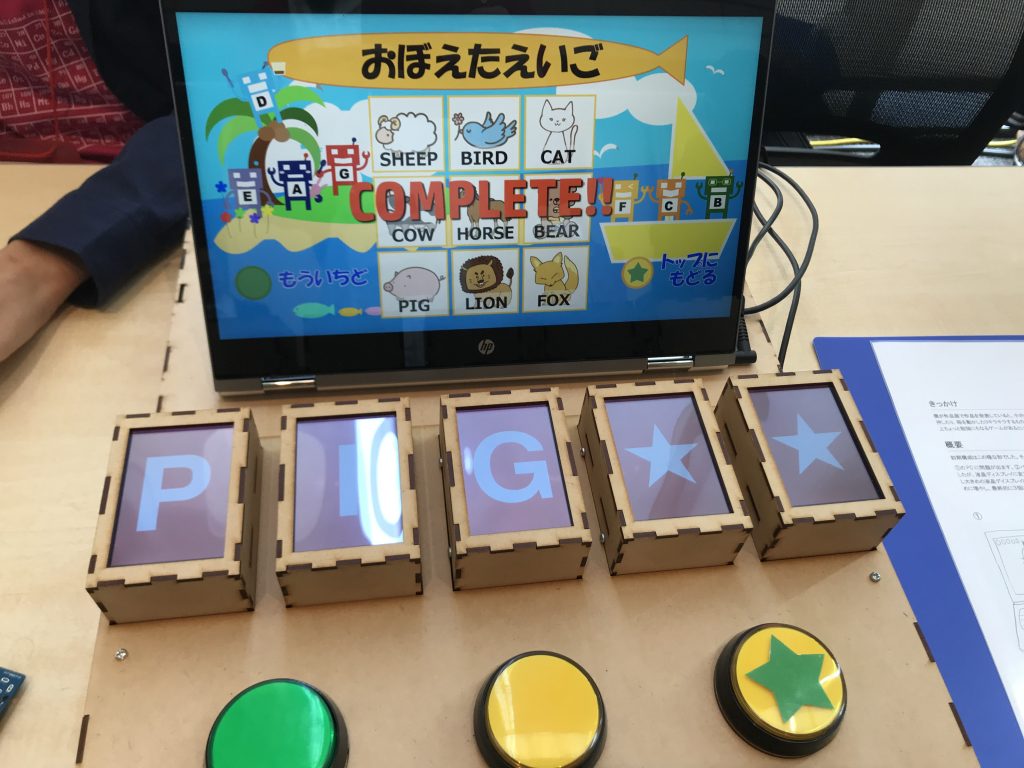
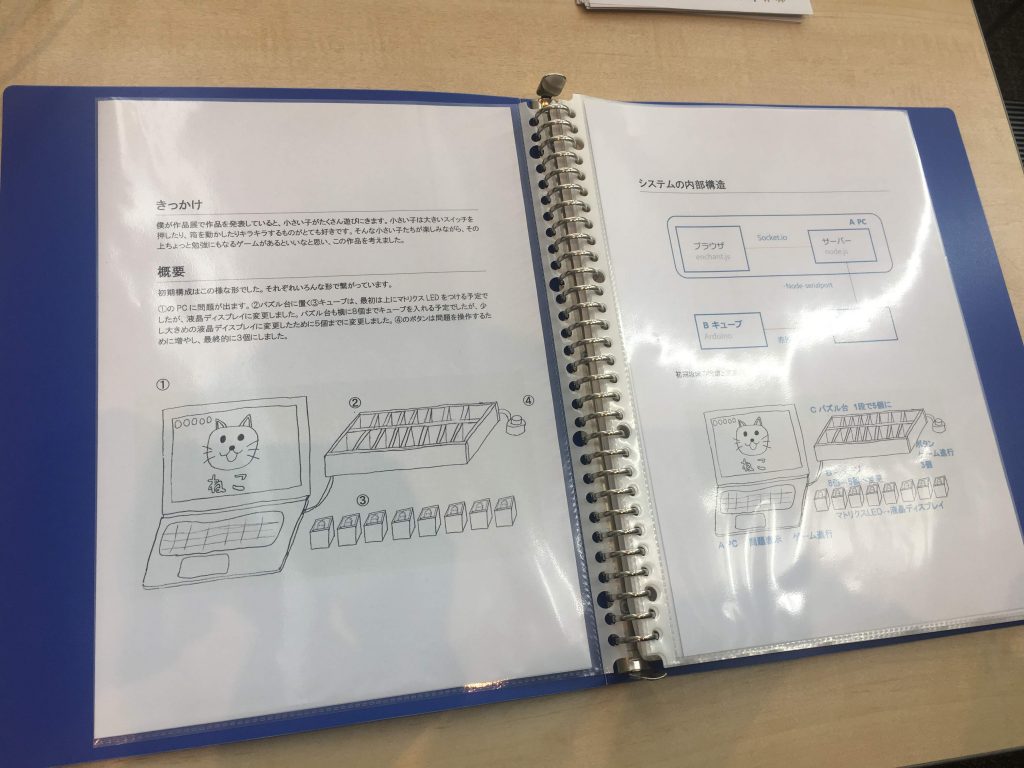
The third Excellence Award winner is Ms. Hirano (8th grade) for “Let’s English Puzzle!” This marks Ms. Hirano’s third consecutive year being selected. Her work has steadily improved year after year. This year’s entry is an English puzzle where players learn by moving cubes while playing. She created it with the goal of helping young children learn English through fun play.It’s a game where players learn English using a puzzle board equipped with three buttons and five small display cubes. Players arrange the cubes—each displaying a single letter of the alphabet—to spell out the word for the illustration shown on the computer screen, one letter at a time.For example, if a cat is displayed, the player must arrange the cubes in the order “C,” “A,” and “T” to get the answer correct. The game features three stages—“Animals,” “Food,” and “Others”—and each stage offers two difficulty levels: Easy and Normal.In Easy Mode, the screen displays the picture, a Japanese translation, and the English word, while in Normal Mode, the English word is not shown. The developer explained that when they created the prototype, they noticed that very young children who didn’t know English couldn’t play at all, so they added Easy Mode to display the English words. It’s great that they’re conducting real-world testing.Also, the design that allows players to listen to the pronunciation as many times as they like is great for learning English. “What really impressed me was that she designed and built these cubes all by herself,” said her mother. Apparently, they even have a laser cutter at home. This project, the result of repeated trial and error, is reportedly Version 4. She built it multiple times, had people test it, and repeatedly revised both the cube’s shape and the game’s design. She exhibited it at Maker Faire Tokyo 2019, held at Tokyo Big Sight, where many people played it—it’s impressive that she’s refined it to a level where it can withstand public display.
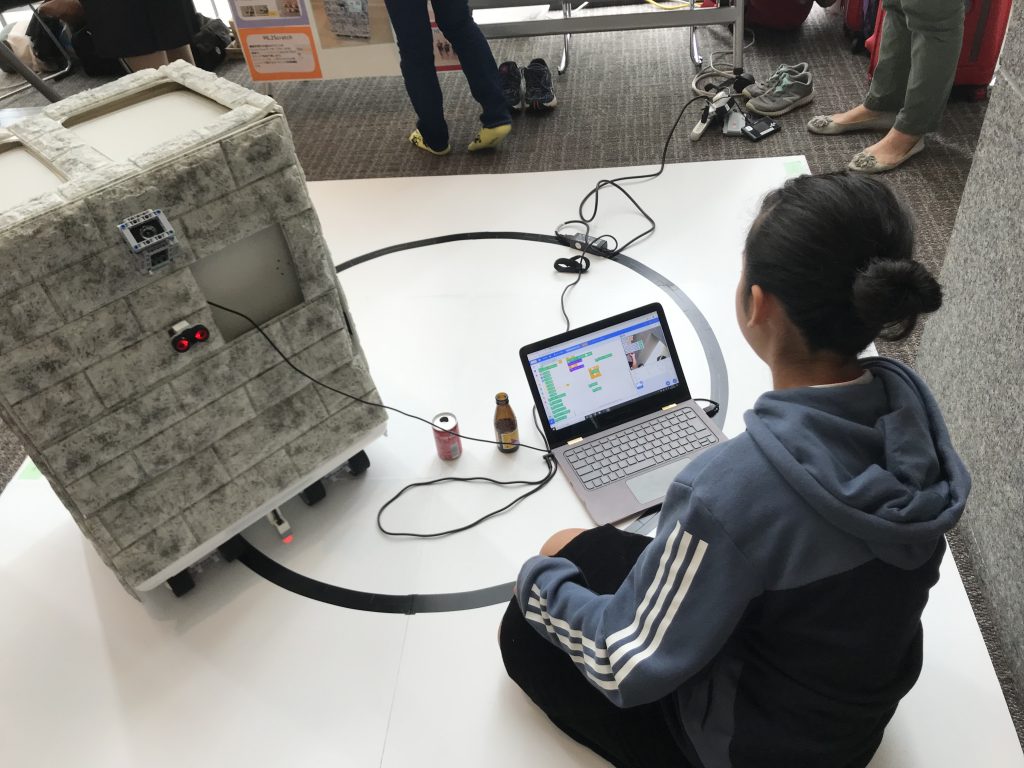
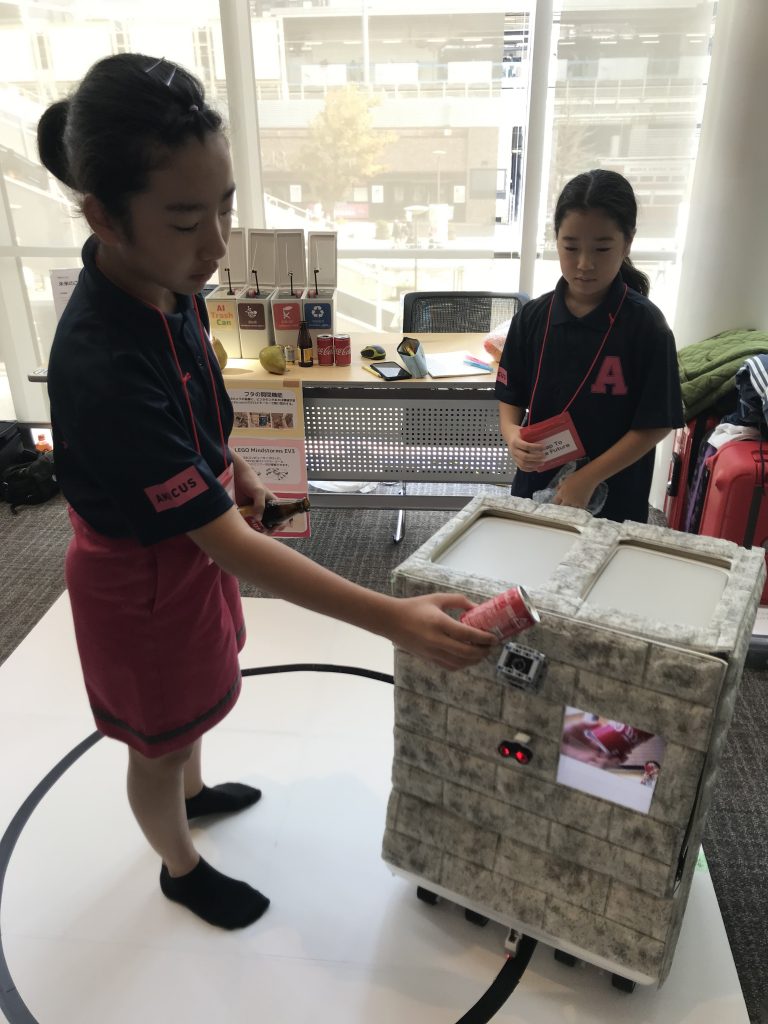
Although they narrowly missed winning an award, all of the selected entries were outstanding. I was amazed by the explanation for “The Trash Can of the Future—CANBO—” by Ogawa (6th grade). “It uses machine learning to sort trash,” she said. What’s more, it has an autonomous driving feature, so it actually comes right up to you.Huh? What does that mean? I couldn’t help but blurt out, “Show me how it works!” First, when you hold your hand in front of the trash can, it stops moving. When you show a “bottle” to the CANBO camera, the “bottle” compartment opens. When you show a “can,” the “can” compartment opens.It automatically identifies the type of trash. Apparently, this is the result of training the system with machine learning using a large number of photos of trash. They chose “trash collection” as the theme as part of their “Smart Governance” initiative. The robot was created with the vision of “realizing a smart city that is comfortable, livable, and kind to the global environment.”
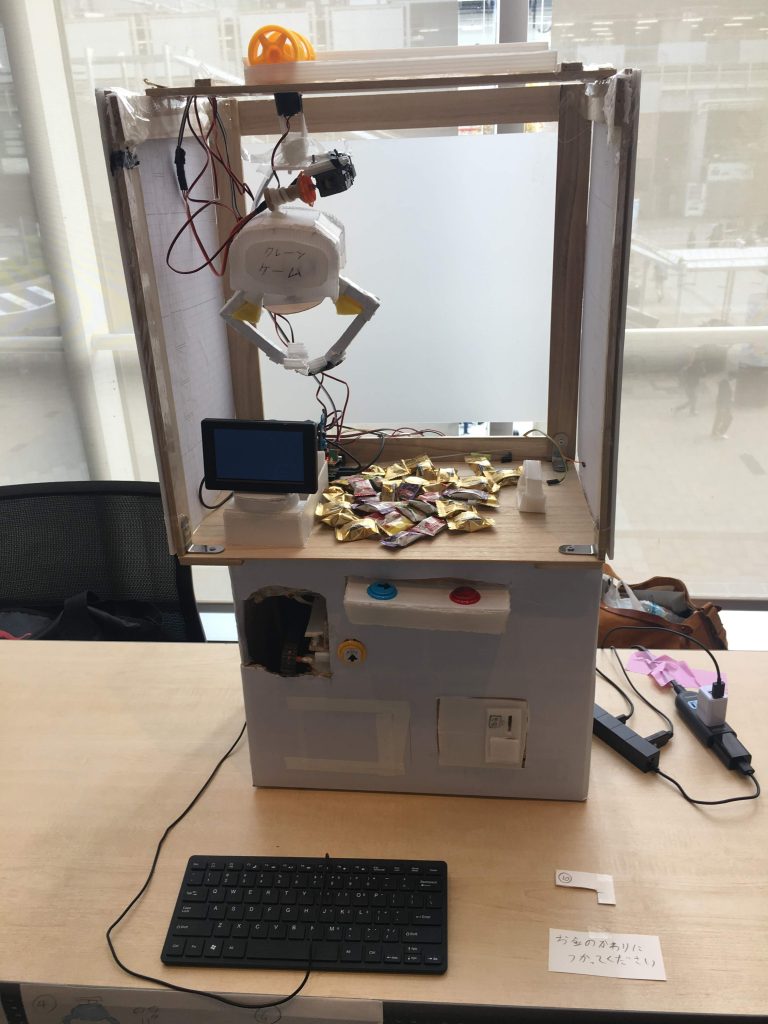
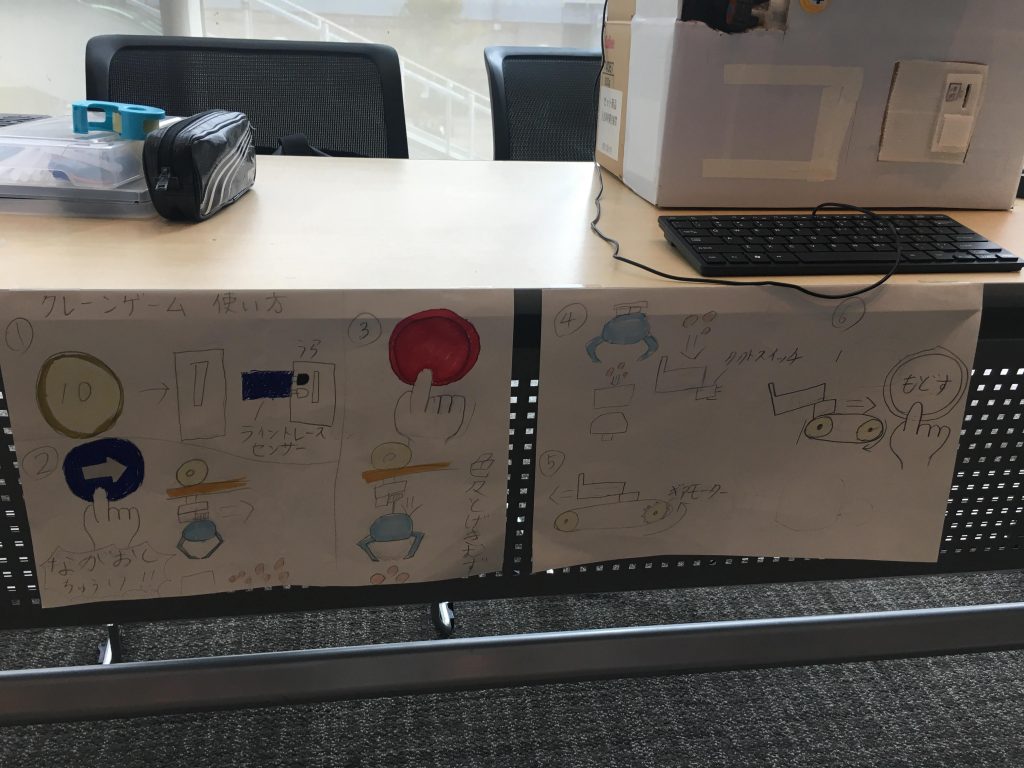
The “Super-Hard Crane Game” was created by Shirakawa (a 5th grader). “I made a crane game using strawberry jam and maple syrup.” Just reading that sentence gets me excited. Just like a real crane game, it starts when you insert money; you move the crane with the blue button and catch the prize with the red button.After that, the prize automatically drops out. This was his first time tackling such a large-scale electronics project. It was quite a substantial project and stood out the most at the venue.
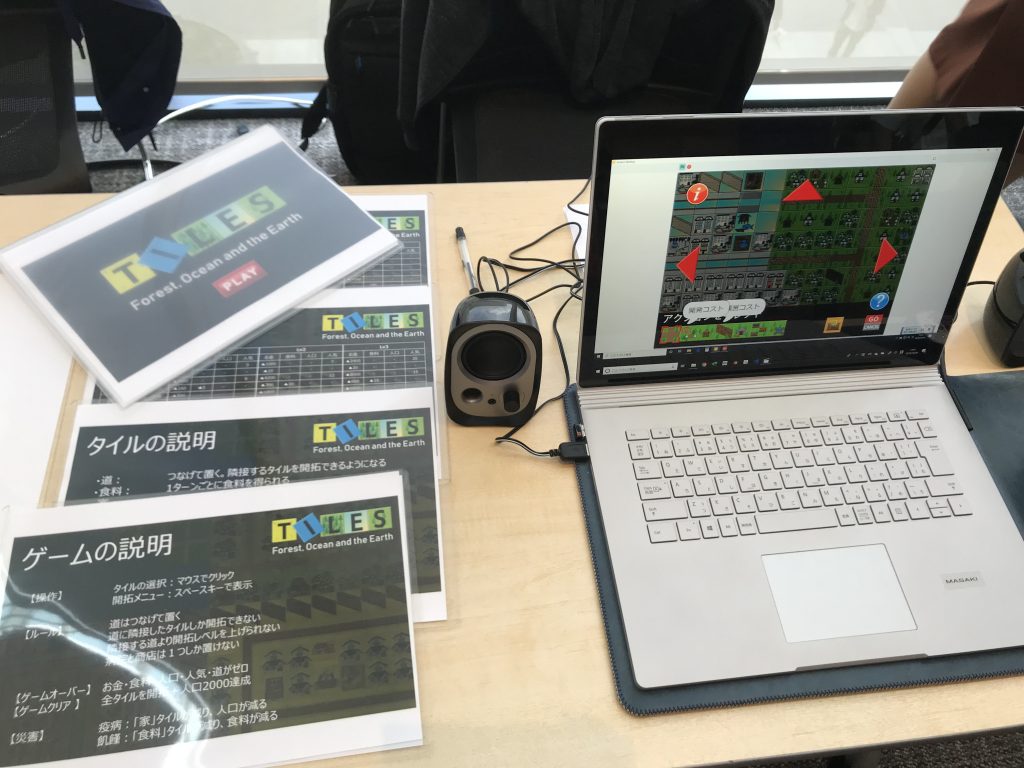
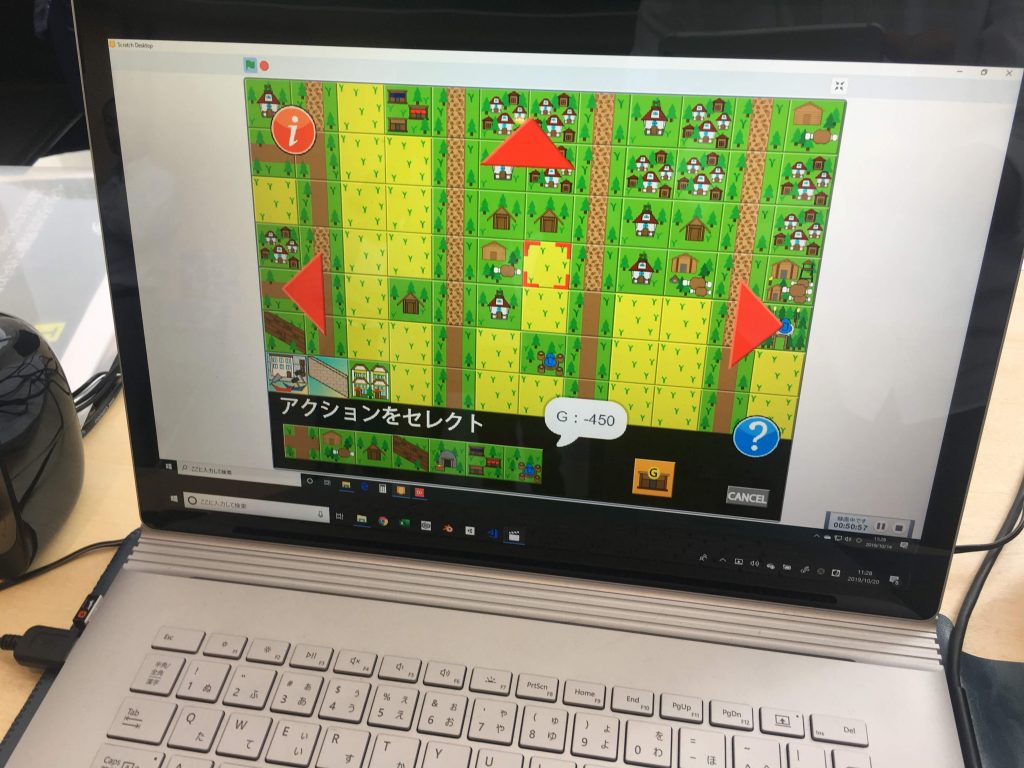
"TILES," a game about exploring the world of tiles, was created by Inoue (a sixth-grader). By selecting the tiles you want to explore and choosing actions from the menu, you connect paths, raise your exploration level, and expand from a village into a town. He reportedly paid close attention to even the smallest details to ensure the music fit the game’s atmosphere, such as adjusting the sound to match the time of day—whether daytime or nighttime.
“STAPLER,” created by Moriya (a fifth-grader), is a unique game where players repeatedly click a stapler in the game to collect lots of staples. Elementary school students these days are busy. They don’t have time to play games. Even if they did, they don’t want to play games that make them feel rushed. So, he says he created a game that makes players feel happy even during a brief moment of downtime.Drawing on what he recently learned about neuroscience—that 10% of our motivation comes from the conscious mind, while the remaining 90% comes from the subconscious—he reasoned that even during casual gaming sessions, storing positive emotions like “I did it! That was fun! I’m lucky!” in the subconscious might lead to more positive behavior.
The sound effect when you press the stapler was recorded from a real stapler, and the game strives for realism in the “click-click” sensation of pressing the button and the feeling of the staple popping out.“It feels good to click a real stapler, but adults get mad at you, and it doesn’t feel great because it’s not eco-friendly—so being able to click away to my heart’s content in the virtual world feels really good.”
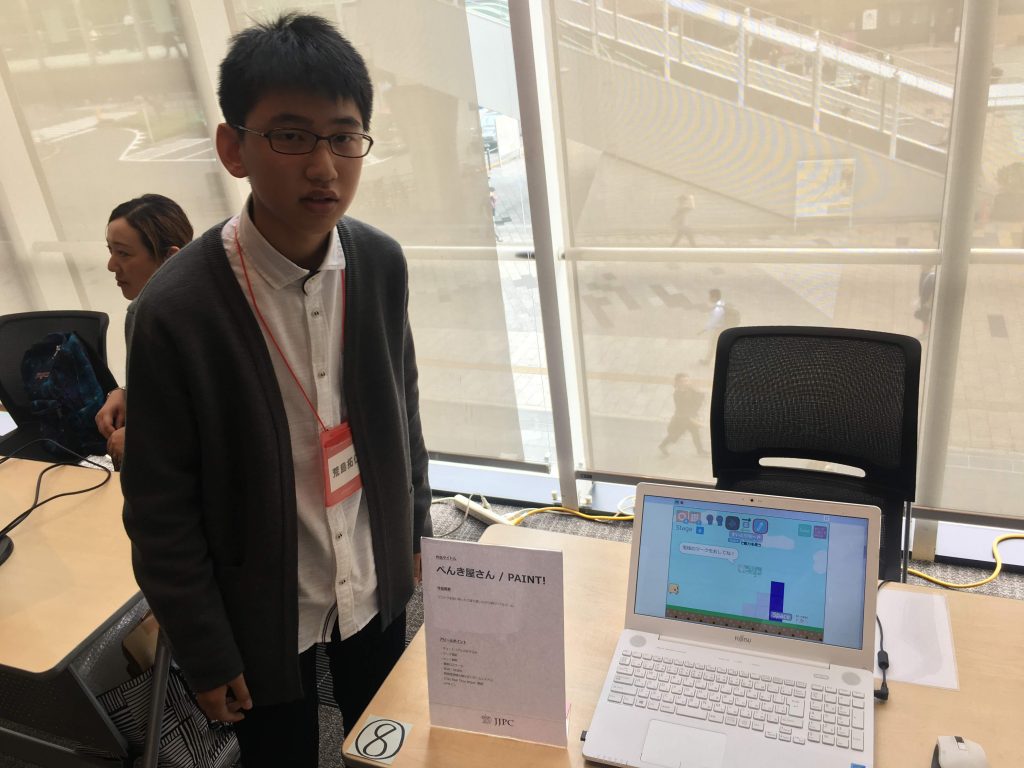
The puzzle game “The Painter / PAINT!” was created by Arashima (a 9th grader). It’s a puzzle game where you control a square character to progress by sucking up blocks and painting over areas. You can switch modes to play on both computers and smartphones.It features a detailed tutorial and numerous stages so that even first-time players can easily enjoy the game. According to the creator, the tutorial and game structure were refined repeatedly based on feedback from members of the Computer Club, who actually played the game—sometimes even rebuilding the game from scratch. This game was created entirely from the perspective of the player who wants to play it to the fullest.
I’m always amazed by how broad the perspectives of today’s elementary and middle school students are. It seems this generation is best suited to come up with ways to achieve the SDGs using cutting-edge technology (^^)
Thank you very much to all the participants, judges, and everyone involved!
Professor, Keio University; Ph.D. (Policy and Media)
Director, B Lab
Chairperson, Learning of Tomorrow (General Incorporated Association)
Chairperson, CANVAS
After graduating from the Faculty of Engineering at the University of Tokyo, he served as a visiting researcher at the MIT Media Lab before founding the NPO CANVAS and the Learning of Tomorrow Association, a General Incorporated Association, and assuming the role of representative. He serves as an outside director for Matsuya Co., Ltd., Fuji Media Holdings, Inc., and Digital Garage, Inc.
He has served on various government committees, including the Information and Communications Council of the Ministry of Internal Affairs and Communications, as well as the NHK Central Broadcasting Program Council. He also serves as a director of the Digital Signage Consortium, among other roles. He holds a Ph.D. in Policy and Media.
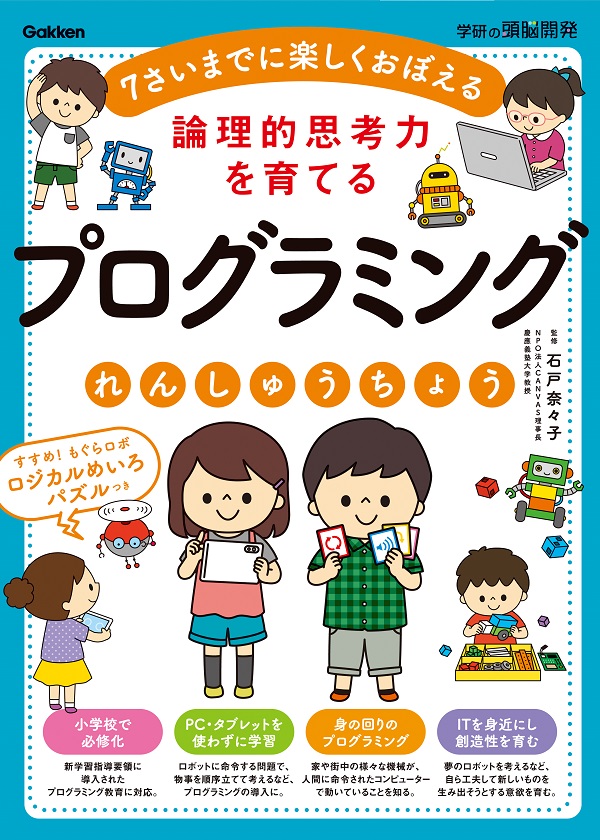
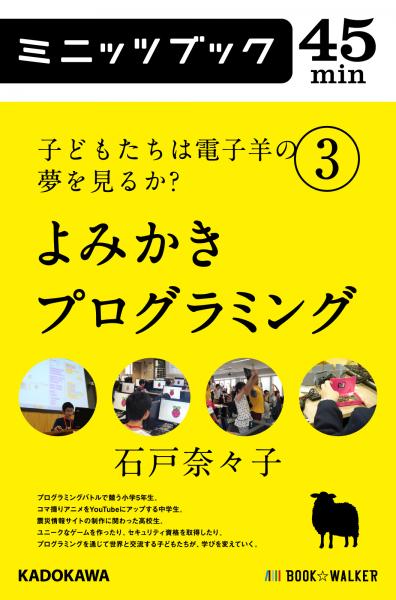
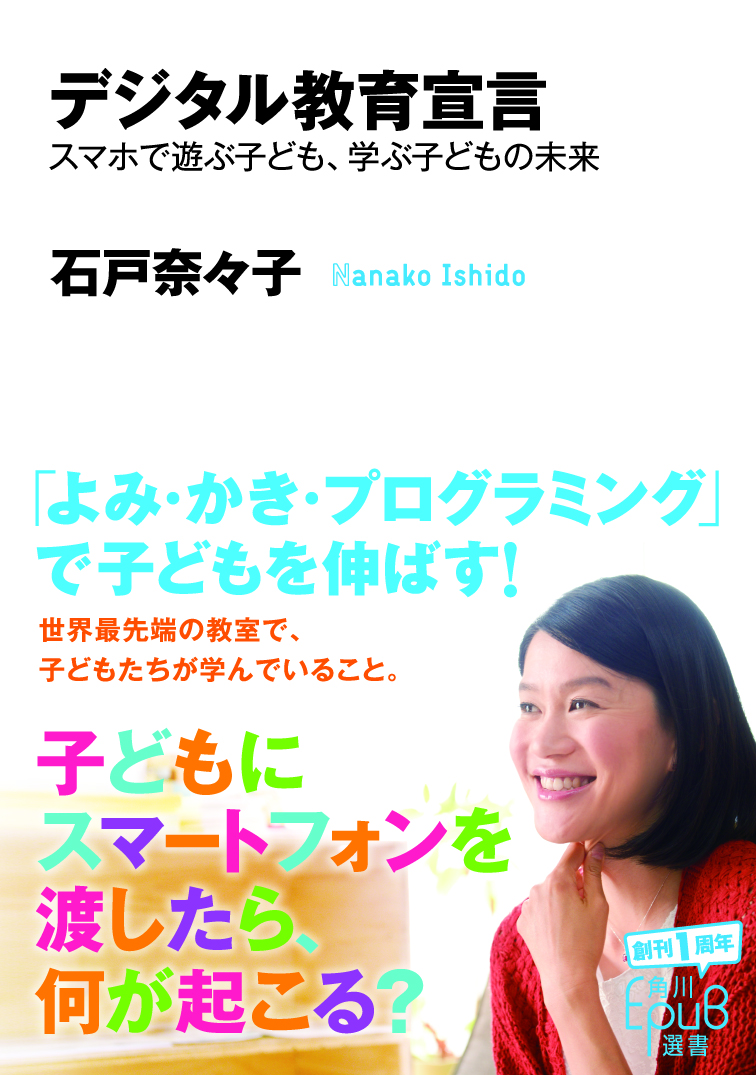
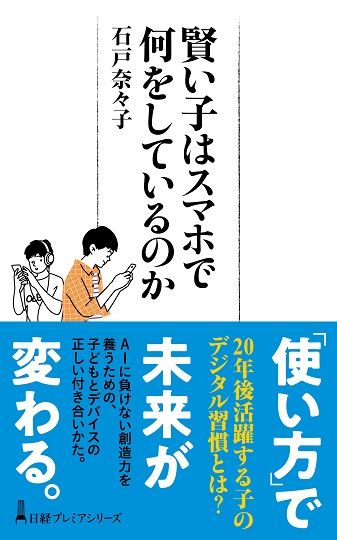
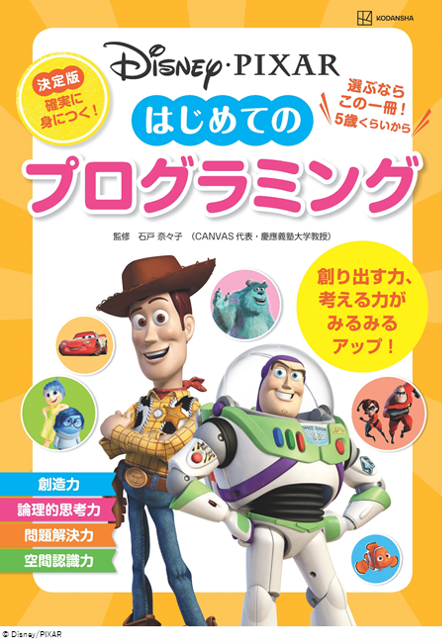
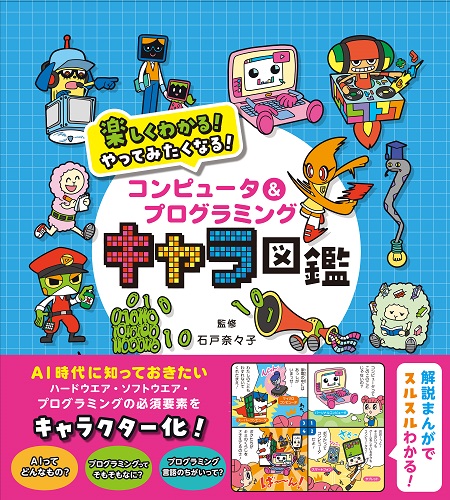
His publications include *Turning On Children’s Creativity!*, *What Are Smart Kids Doing on Their Smartphones?*, *The Forefront of Online Education in Japan: Considering Learning in the Post-COVID Era*,“What Is Programming Education? 45 Questions Parents Want to Know,” and “Declaration on Digital Education.” He has also provided supervision for numerous works, including “Ah, I See! Programming Education for Parents and Children Through Manga.”





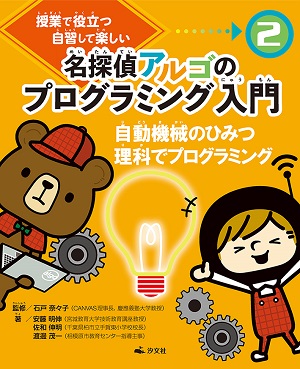
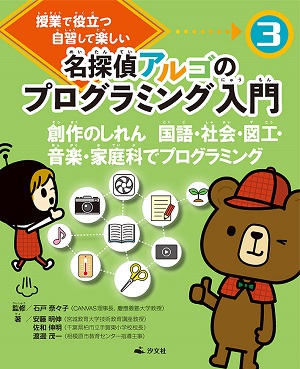
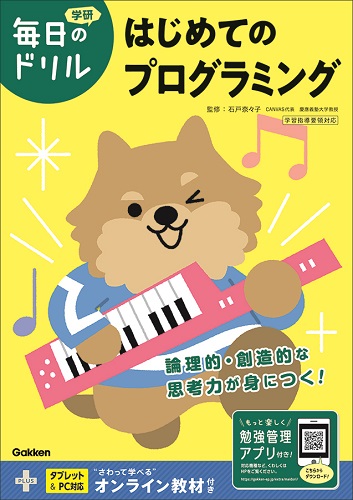
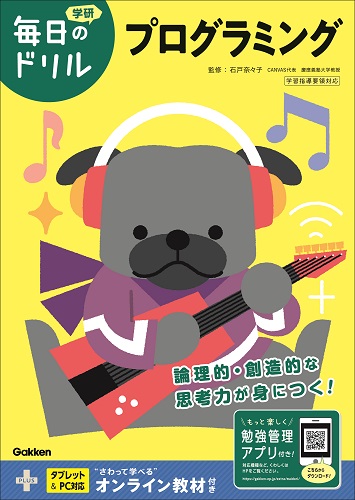
 Programming Education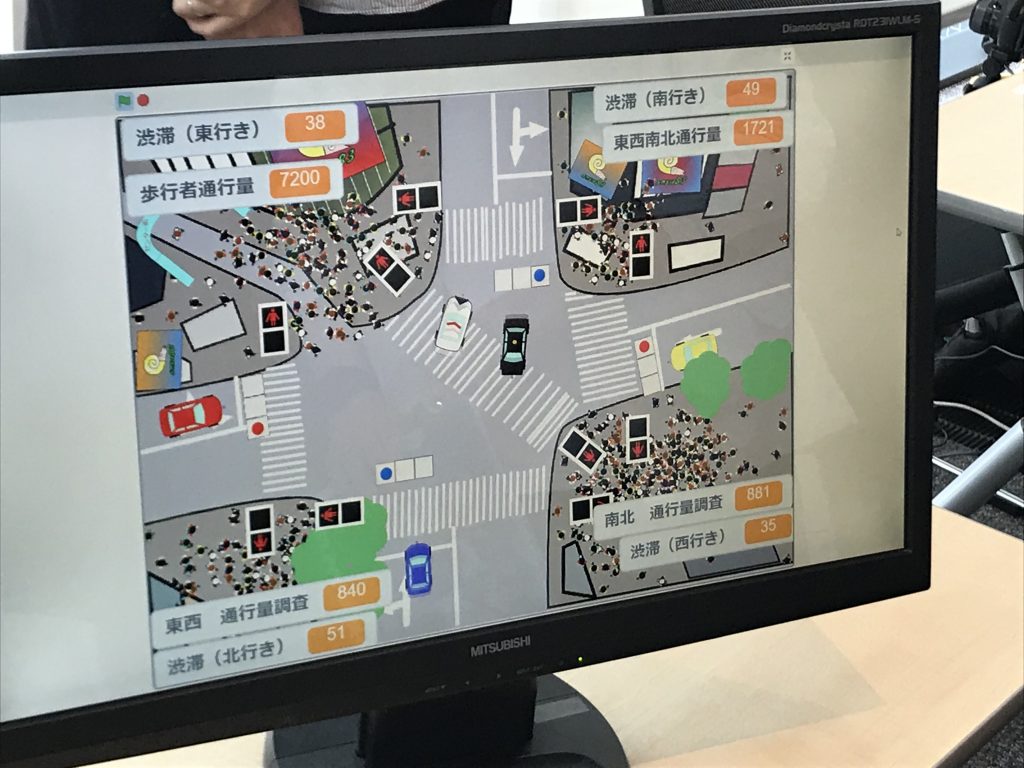
























4052047885.jpg )

1.jpg)