[Report] Open Class Report @ Kami-Itabashi Second Junior High School
Reprinted from the PEG page, a programming education project promoted by CANVAS.
*********************************************
We received a report on the open class from Mr. Shinmura at our PEG partner school, Kami-Itabashi Second Junior High School! Thank you, Mr. Shinmura! In Mr. Shinmura’s class, students are using a “sawing assistance system” powered by a Raspberry Pi to cut out the pieces needed to build a wooden 3D puzzle.
The goal of the open class was to use a Raspberry Pi and Scratch to create a flipbook-style video showing how to assemble a 3D puzzle. I’m really curious to see what kind of video they made! Please be sure to check out the report as well.
**
The third-term technology class for first-year students has begun. Here is a scene from an open class. The goal of this unit is to use a Raspberry Pi and Scratch to create a video showing how to assemble the “3D puzzle” that the students had previously built.
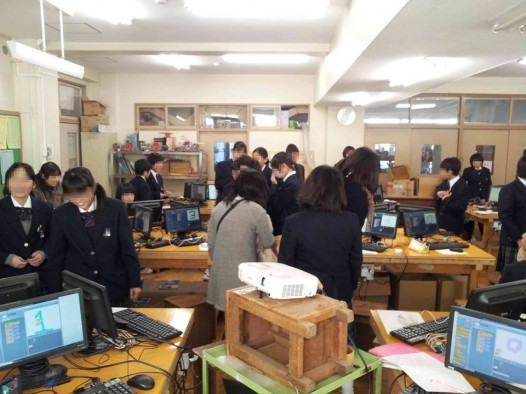
Since this was the first class of the semester, the Robocon Club had set up the monitors, mice, and other equipment in the woodshop the day before and taken care of the wiring. First, we checked the wiring.We divided the lines into power, output, and input categories, checked which power outlet each student’s Raspberry Pi was connected to, and traced the lines shown in the diagram on the worksheet.
Since there are only four outlets on a single desk, if we set up four computers on one desk as shown in the photo, there aren’t enough outlets. So, I used a three-prong power strip, but it kept falling out.If the monitor goes completely dark, the first thing to do is check the power supply. To do this, you need to confirm which outlet your Raspberry Pi is plugged into. After completing this check, I built a “3-second countdown timer.” The photo shows us looking at the finished project.
Professor, Keio University; Ph.D. (Policy and Media)
Director, B Lab
Chairperson, Learning of Tomorrow (General Incorporated Association)
Chairperson, CANVAS
After graduating from the Faculty of Engineering at the University of Tokyo, he served as a visiting researcher at the MIT Media Lab before founding the NPO CANVAS and the Learning of Tomorrow Association, a General Incorporated Association, and assuming the role of representative. He serves as an outside director for Matsuya Co., Ltd., Fuji Media Holdings, Inc., and Digital Garage, Inc.
He has served on various government committees, including the Information and Communications Council of the Ministry of Internal Affairs and Communications, as well as the NHK Central Broadcasting Program Council. He also serves as a director of the Digital Signage Consortium, among other roles. He holds a Ph.D. in Policy and Media.
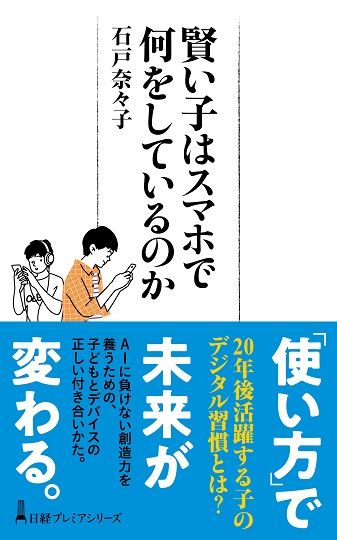
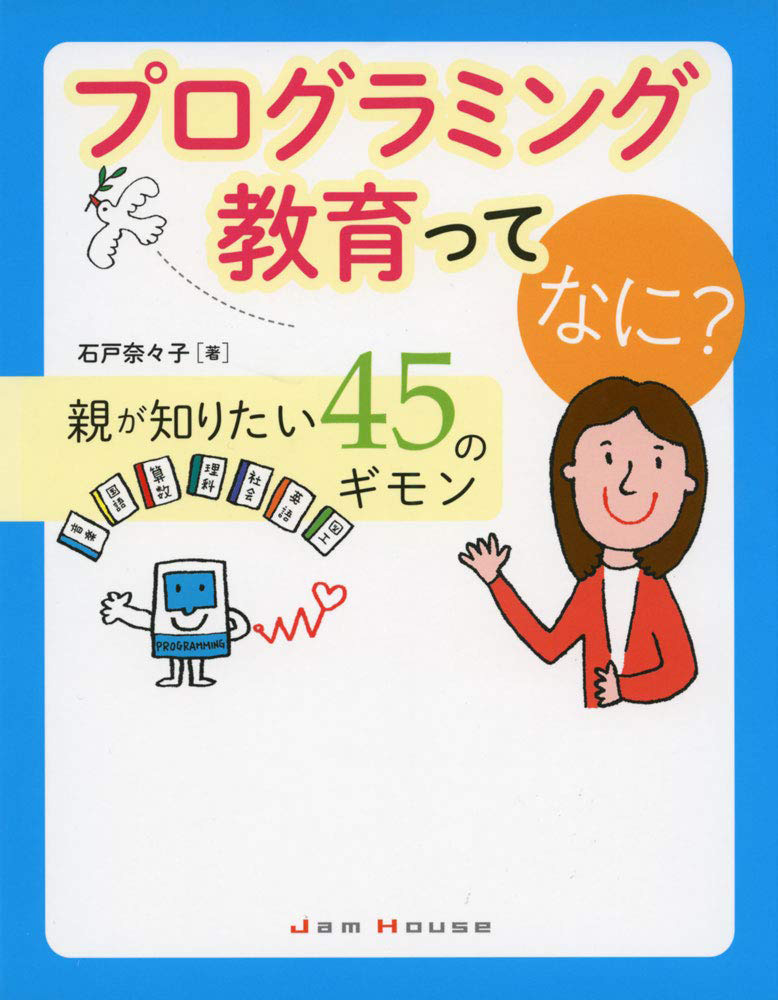
His publications include *Turning On Children’s Creativity!*, *What Are Smart Kids Doing on Their Smartphones?*, *The Forefront of Online Education in Japan: Considering Learning in the Post-COVID Era*,“What Is Programming Education? 45 Questions Parents Want to Know,” and “Declaration on Digital Education.” He has also provided supervision for numerous works, including “Ah, I See! Programming Education for Parents and Children Through Manga.”





 Programming Education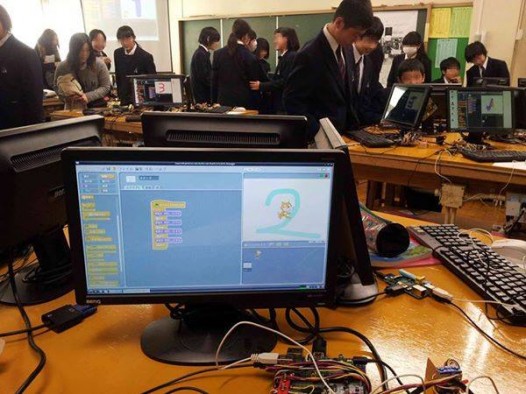


























4052047885.jpg )









1.jpg)